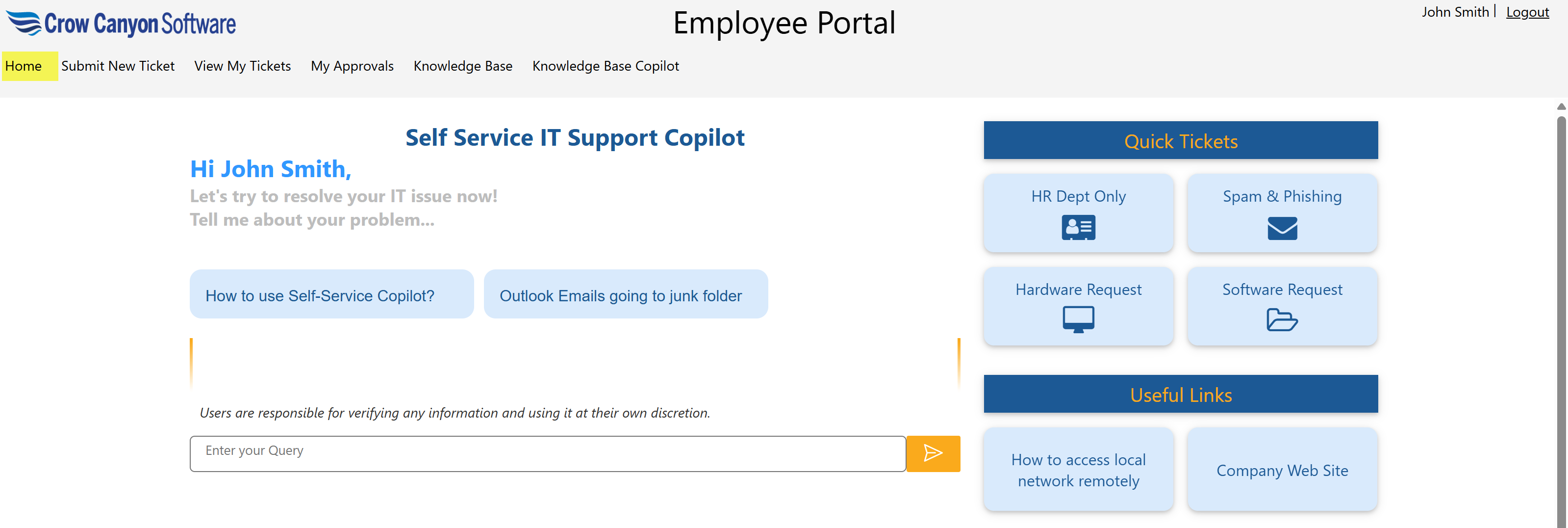
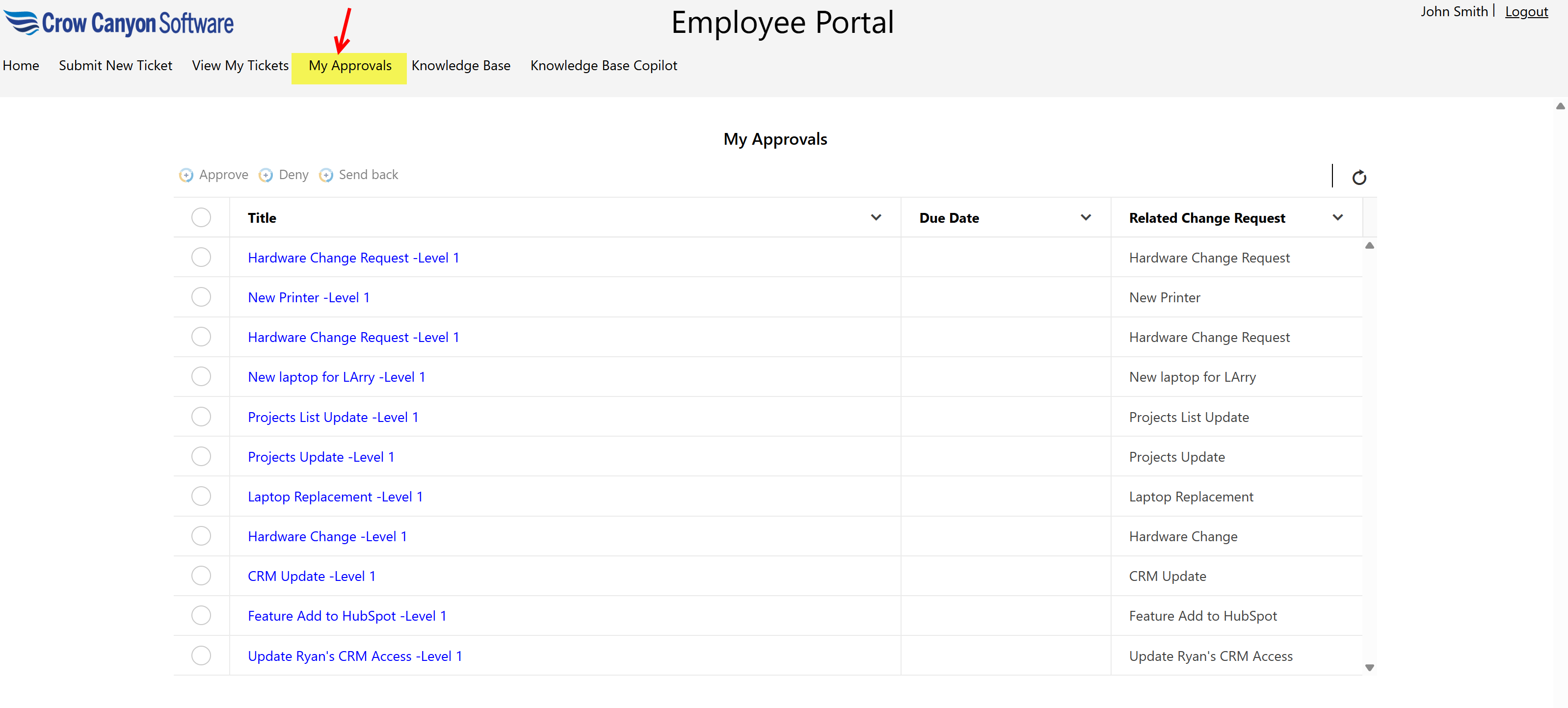
The logged-in user can view all tickets awaiting their approval by clicking ‘My Approval’ in the top navigation bar on the Home page.
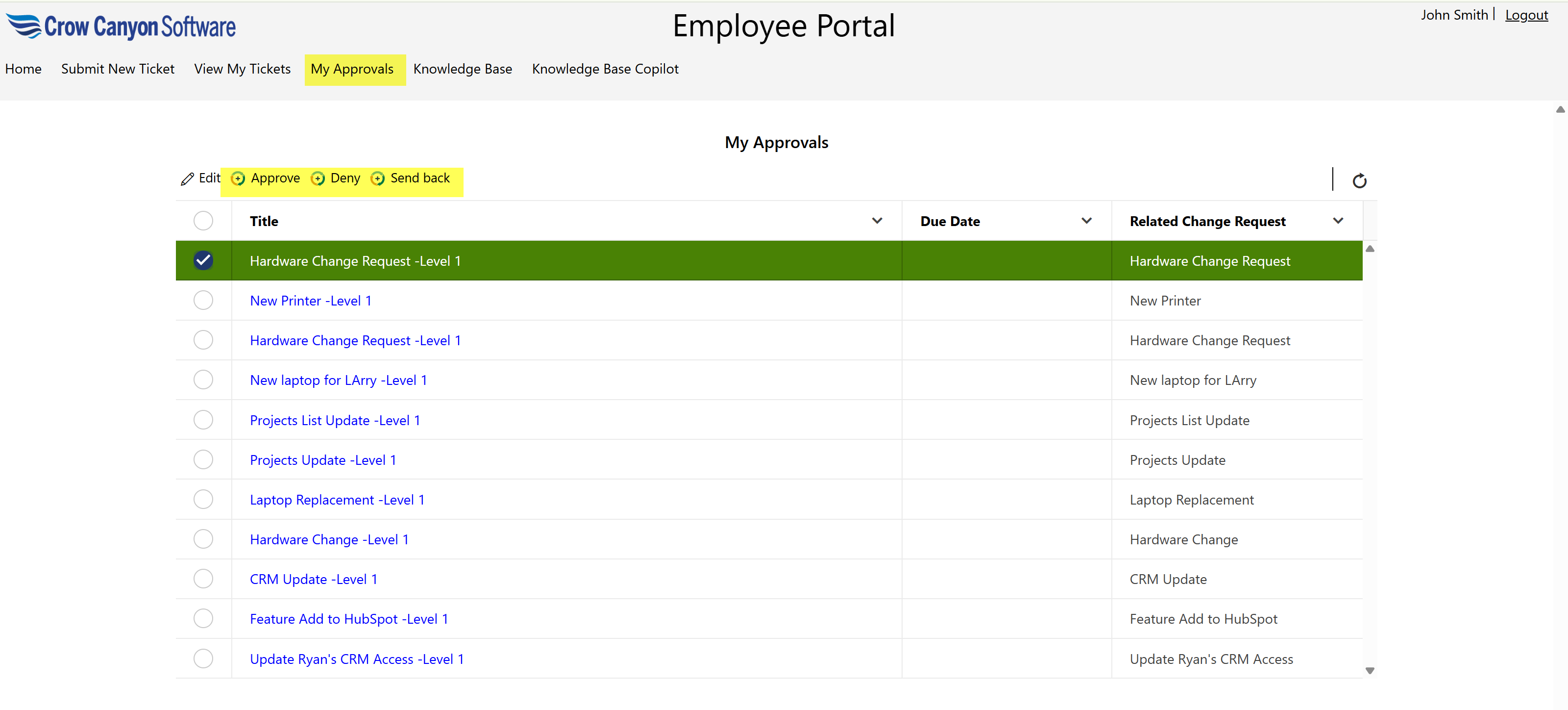
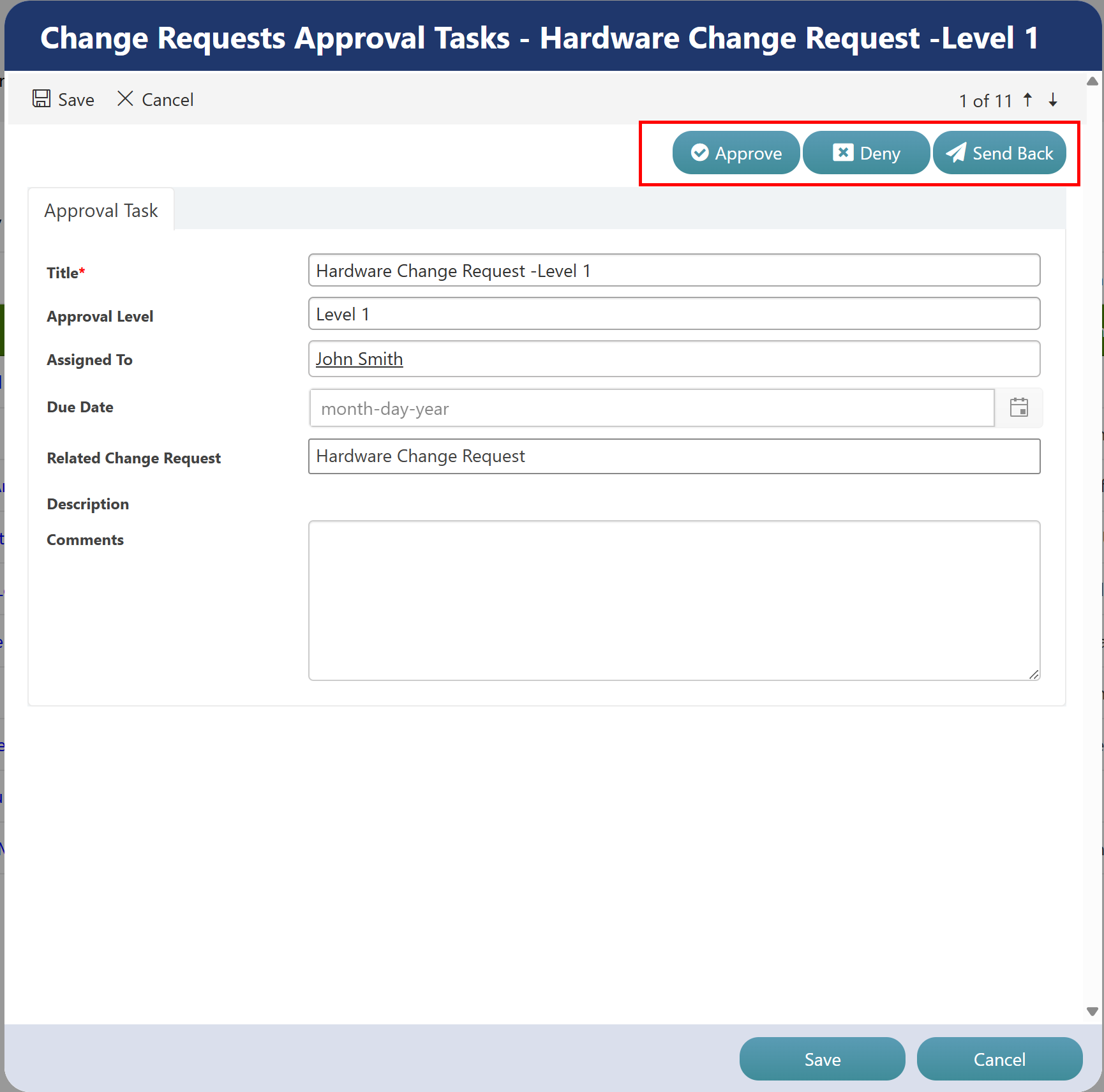
Users can select a ticket and act by choosing from the available options: Approve, Deny, or Send Back.
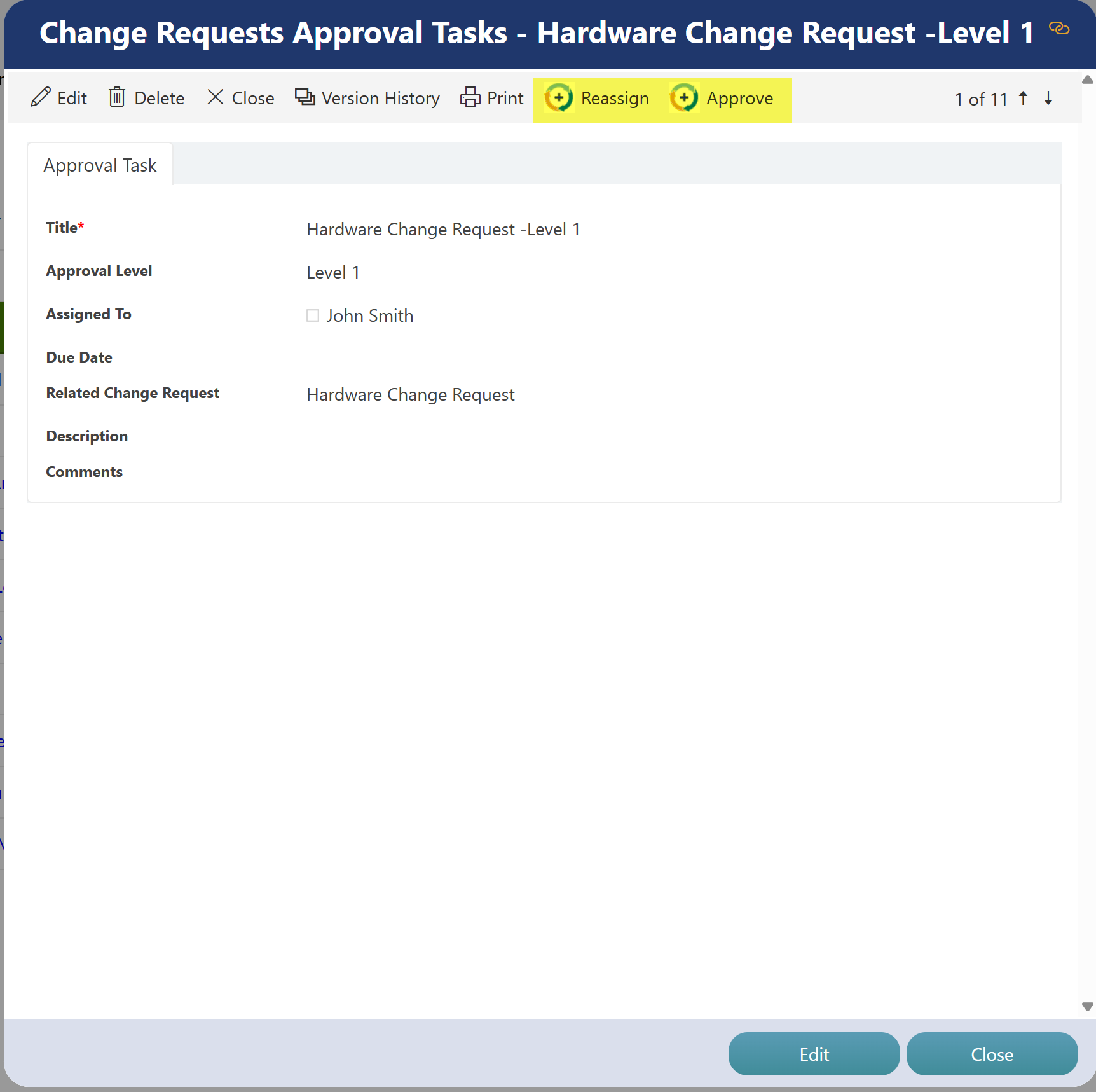
Additionally, users can open a ticket and perform the Reassign and Approve actions from the ticket display form.
From the ticket edit form, they can also perform Approve, Deny, or Send Back actions.
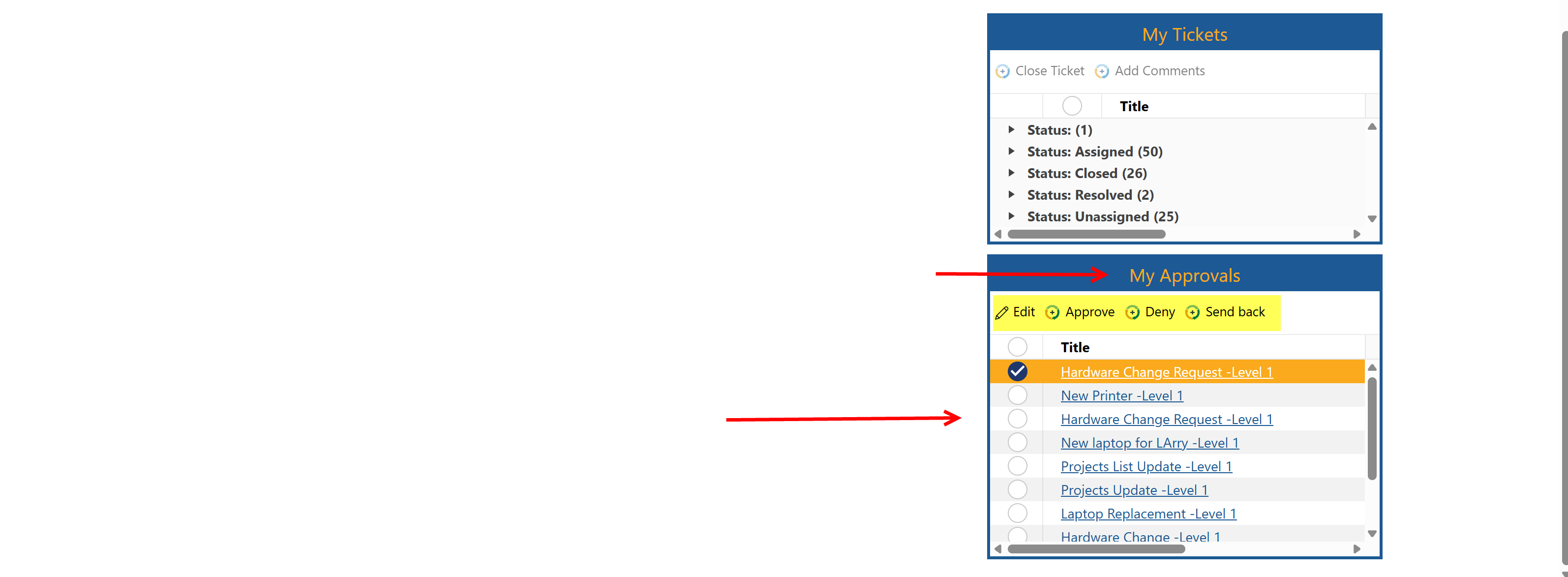
The My Approvals section is also available directly on the Home page, where users can view pending approvals and take the necessary action.