My Closed Tickets
Displays tickets submitted by the logged-in user that are closed and no longer active.
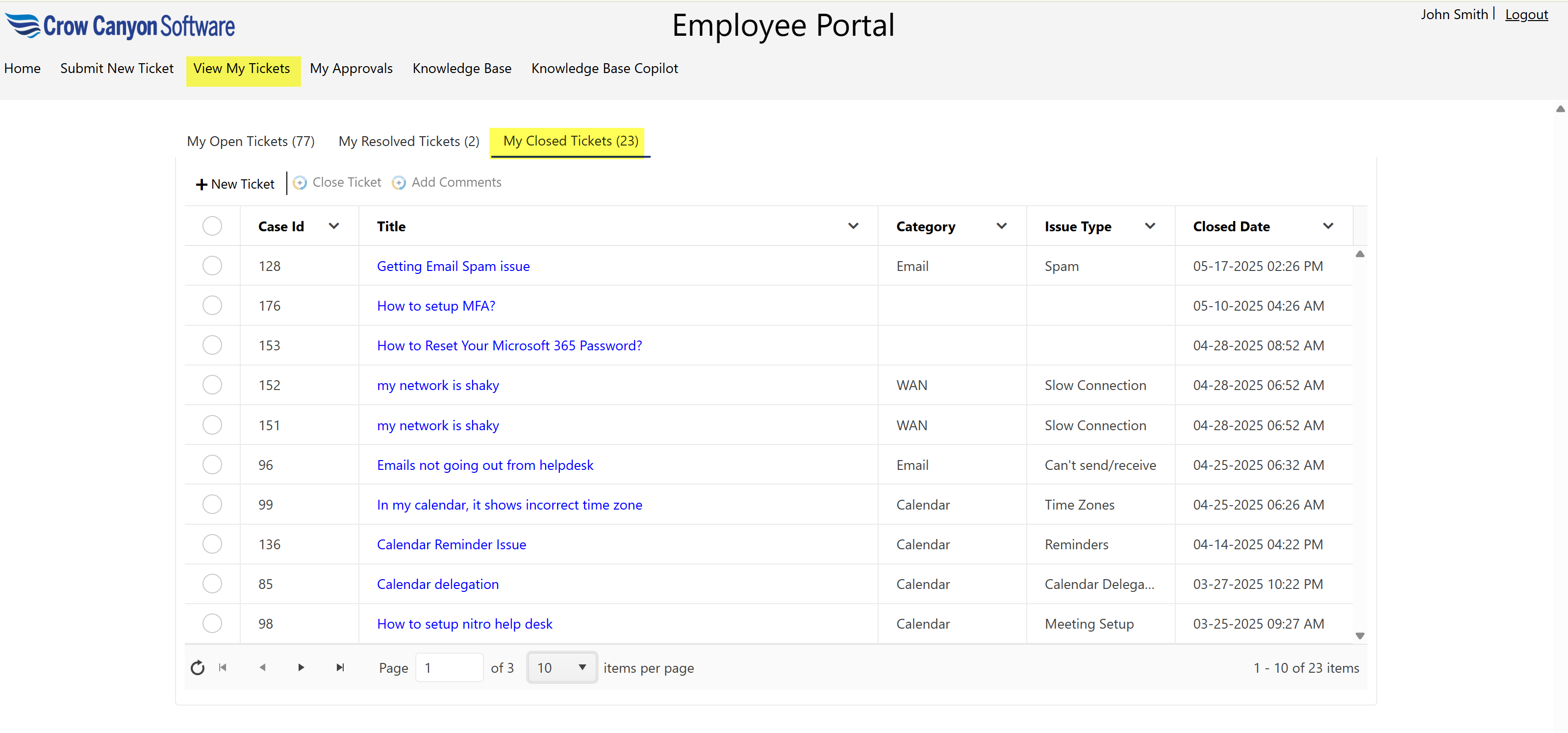
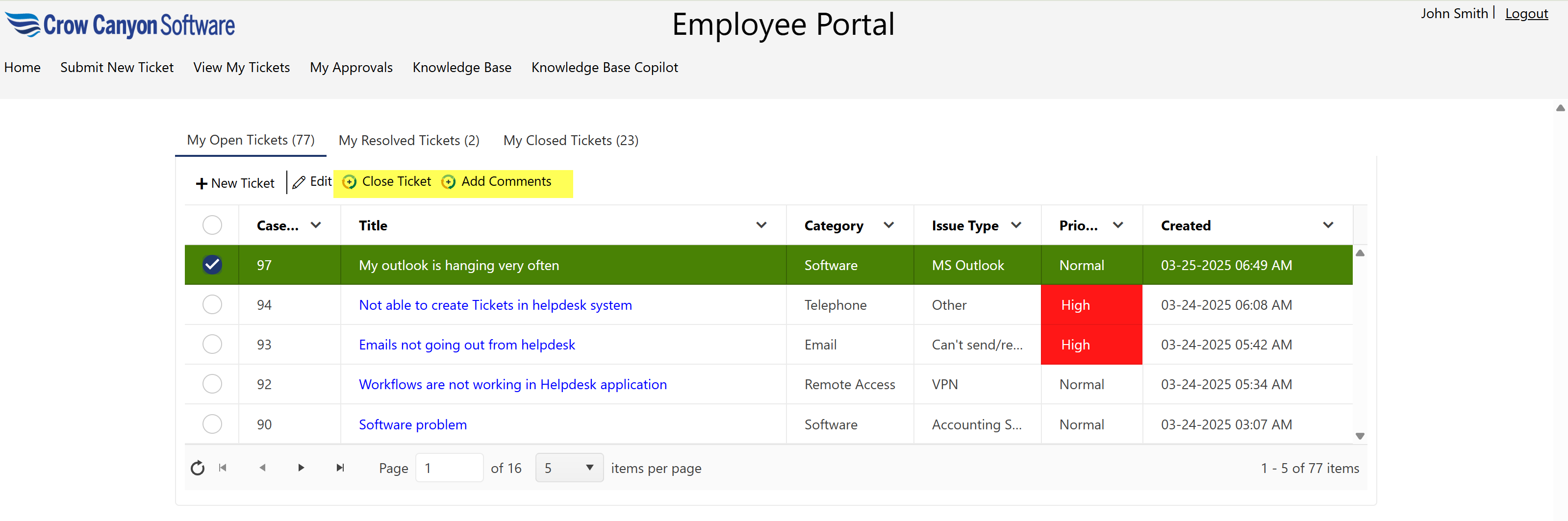
Users can perform the ‘Close Ticket’ and ‘Add Comments’ custom actions by selecting a ticket.
These actions are available in all three views: My Open Tickets, My Resolved Tickets, and My Closed Tickets.
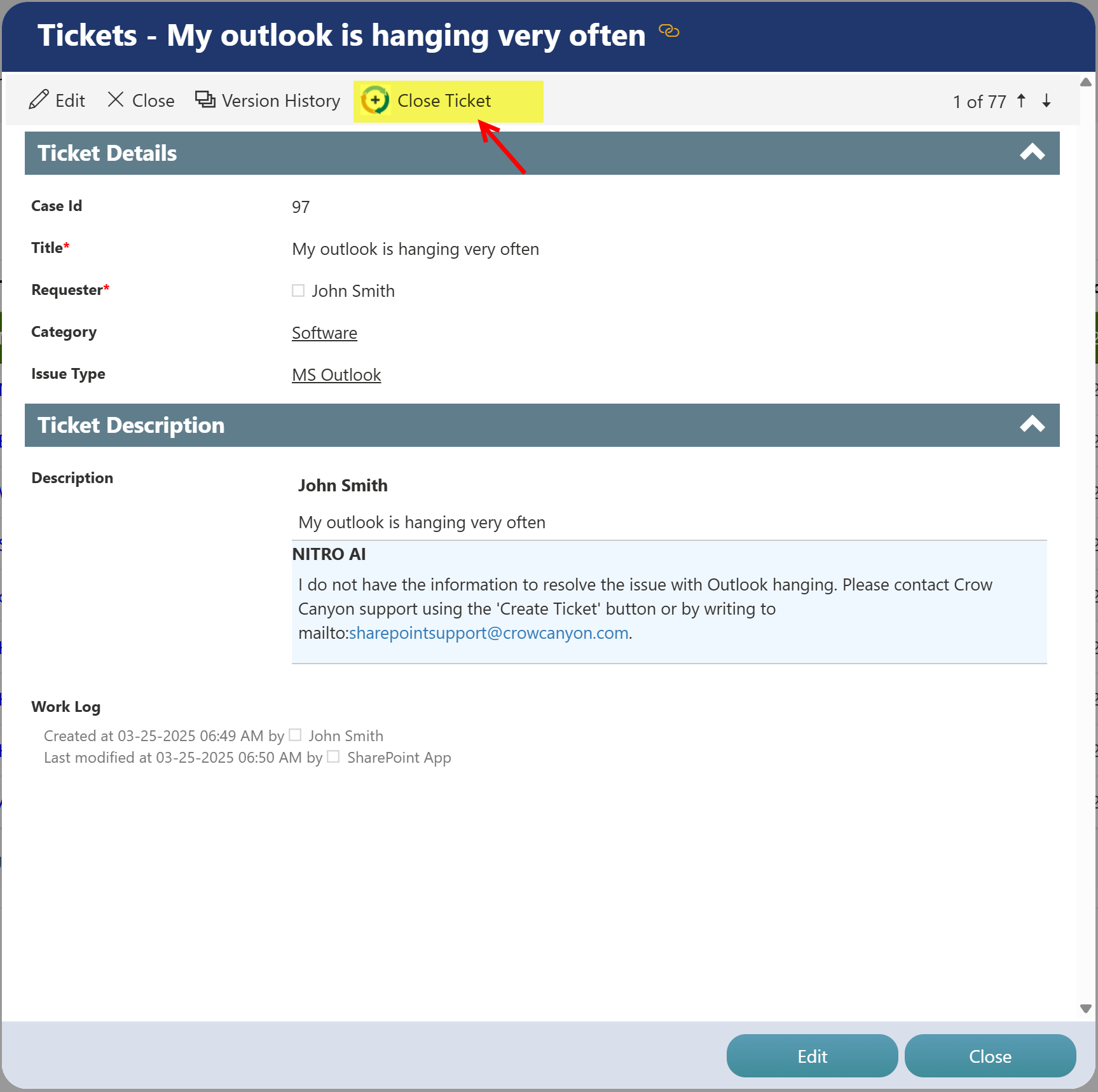
Users can also open a ticket and perform the ‘Close Ticket’ custom action directly from the ticket details page, as shown below.
Note: The available views may be customized by your administrator. If the views you see differ from those described in this documentation, please contact your administrator for more information.