It allows users to customize the appearance of various UI elements, including button colors and pre-canned prompt tiles. Users can configure the theme as required.
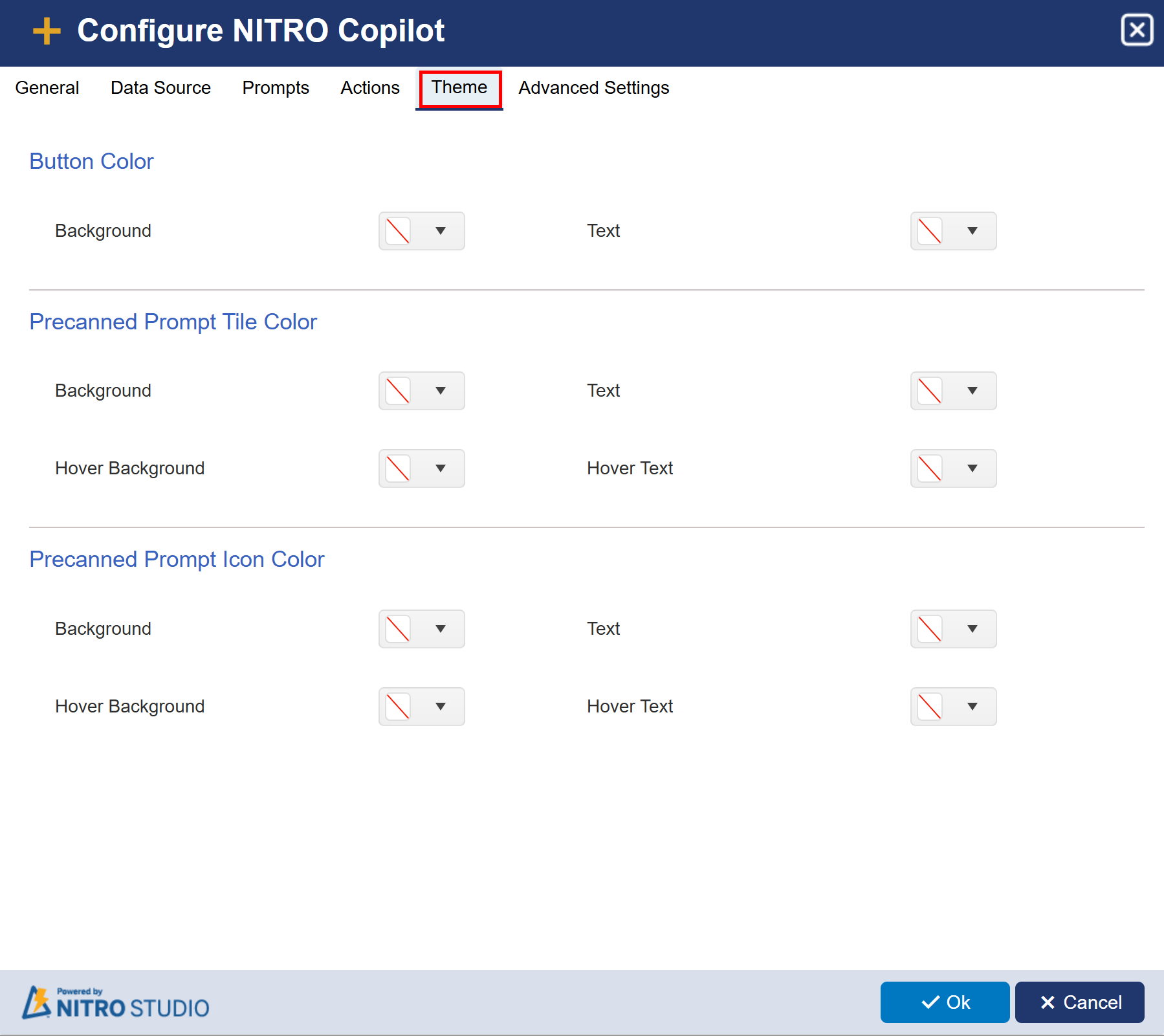
1. Button Color
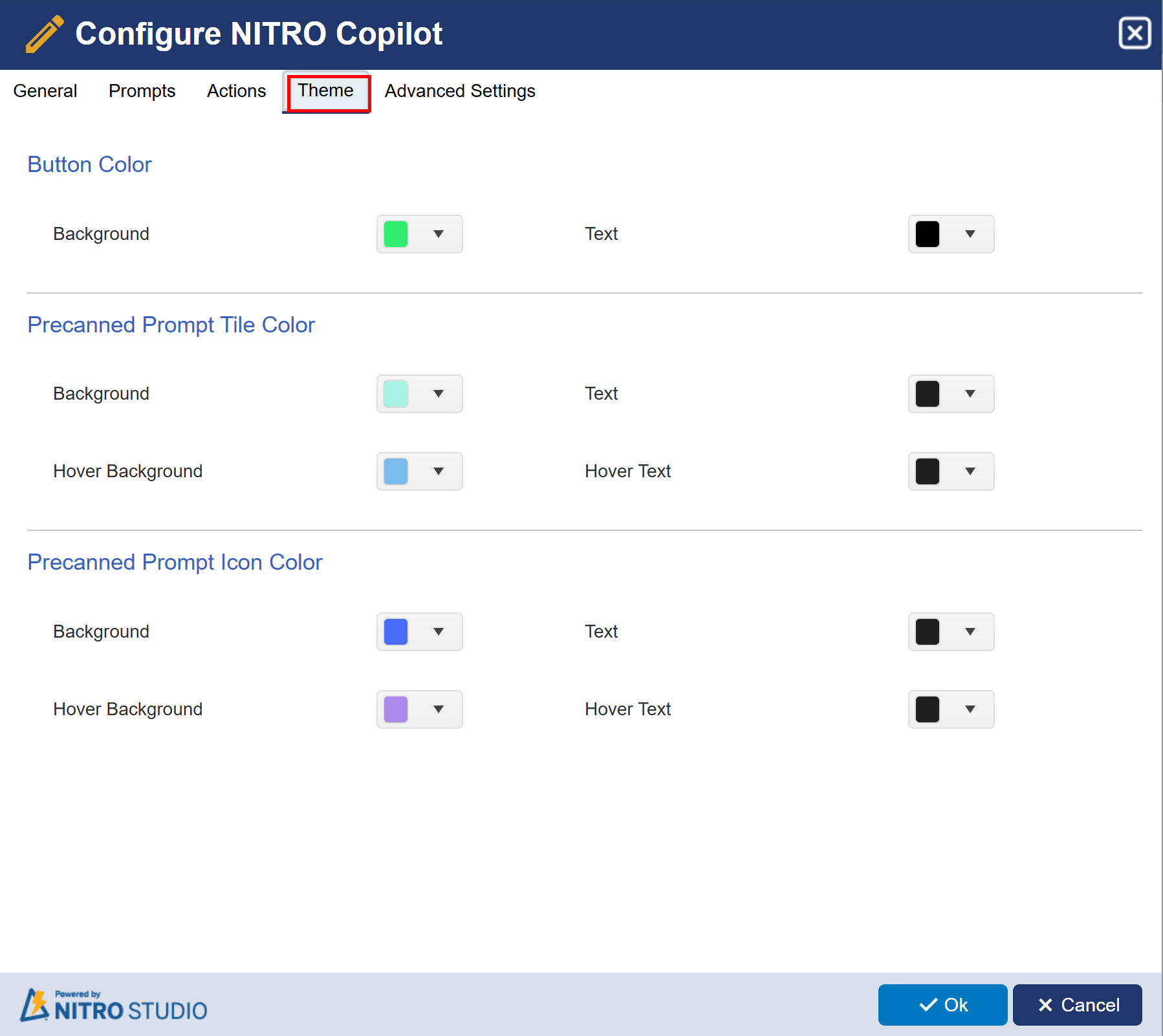
•Background and Text: Allows customization of the background and text color for buttons.
•The dropdowns let you select different colors or keep the default theme.
2. Pre-canned Prompt Tile Color
•Background and Text: Sets the background and text color for pre-canned prompt tiles.
•Hover Background and Hover Text: Configures colors when hovering over the prompt tiles.
3. Pre-canned Prompt Icon Color
•Background and Text: Customizes the colors of icons within pre-canned prompts.
•Hover Background and Hover Text: Changes the icon colors when hovered over.
Sample Configuration:
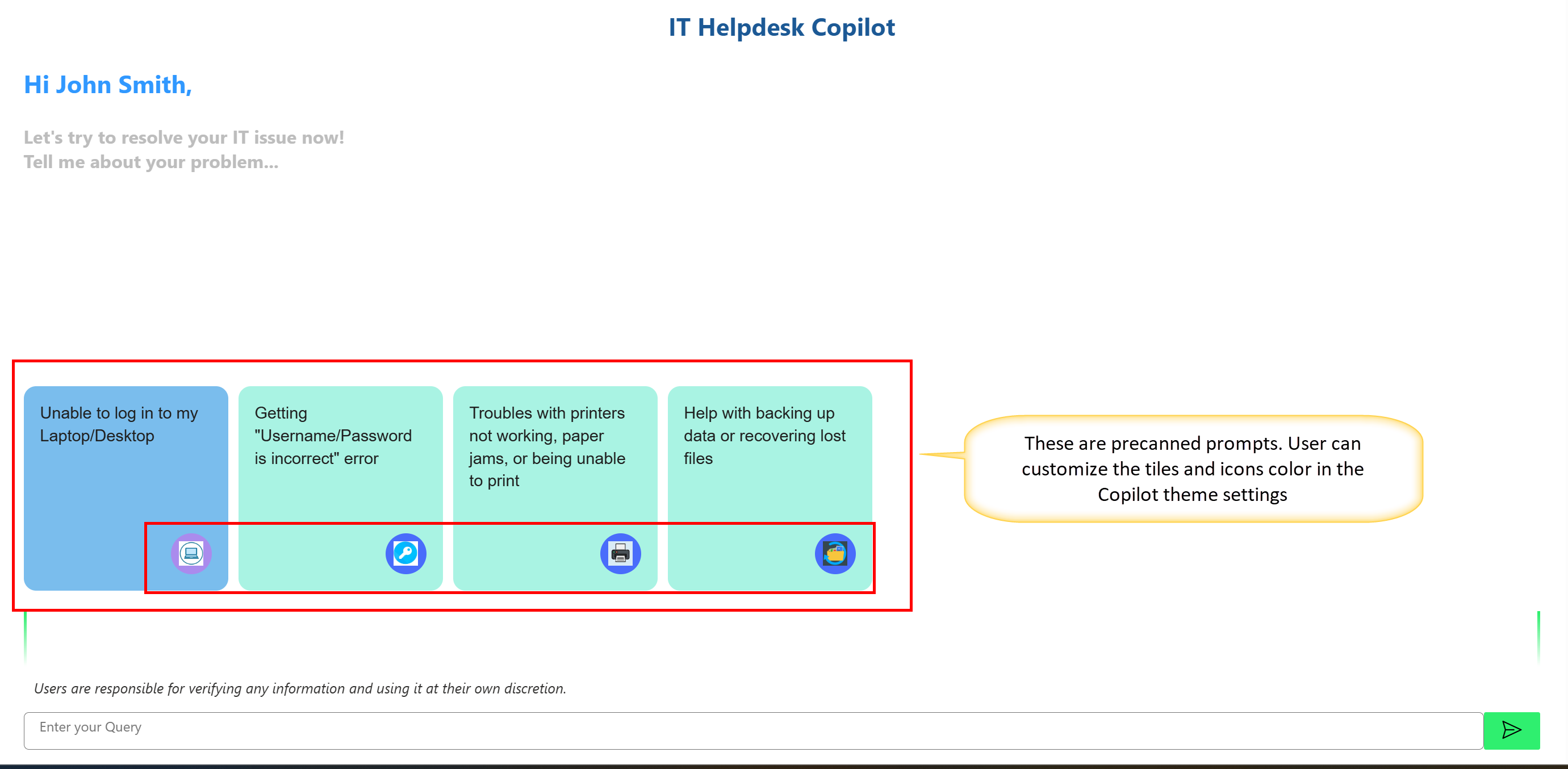
Sample output with custom theme:

Advanced Settings:
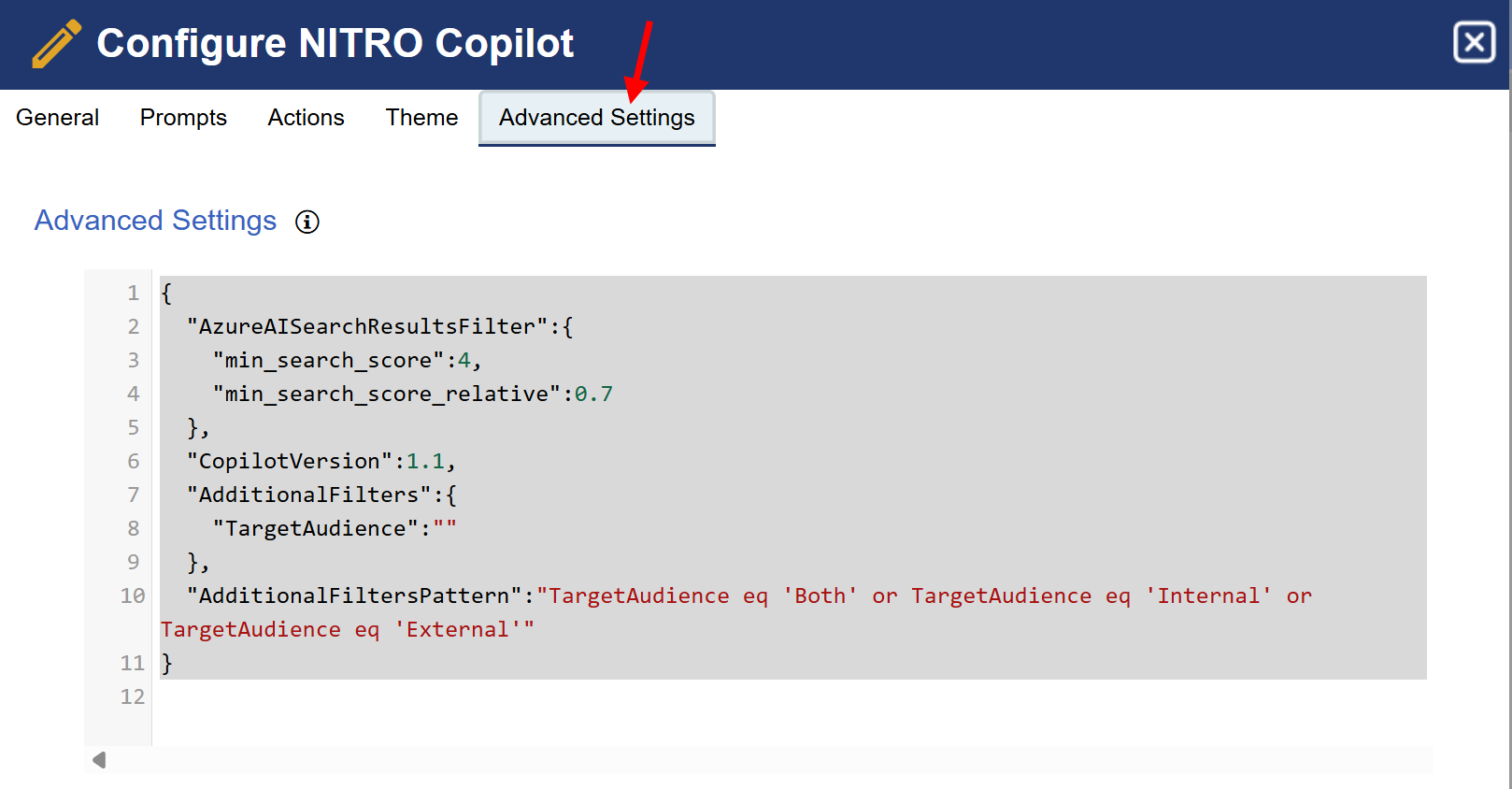
Advanced Settings JSON for NITRO Copilot
1. AzureAISearchResultsFilter
Controls how strictly the Copilot selects content from Azure AI Search when forming a response.
"AzureAISearchResultsFilter": {
"min_search_score": 4,
"min_search_score_relative": 0.7
}
•min_search_score: 4
oThis sets the absolute minimum quality score for search results (scale may vary).
oAny document or KB article with a score below 4 is excluded from the response context.
•min_search_score_relative: 0.7
oThis is a relative threshold: only results that score at least 70% as good as the top result will be included.
oHelps Copilot focus on the most relevant results and ignore weak matches.
2. CopilotVersion: 1.1
•Defines the version of the Copilot configuration being used.
•Helpful for backward compatibility or applying version-specific logic in future updates.
3. AdditionalFilters
"AdditionalFilters": {
"TargetAudience": ""
}
•Acts as a placeholder for filtering search results based on specific field values.
•Here, TargetAudience is the filter field, but its value is currently empty (i.e., no filter is applied unless set dynamically). TargetAudience field can have value ‘Internal’, ‘External’ and ‘Both’.
4. AdditionalFiltersPattern
"AdditionalFiltersPattern": "TargetAudience eq 'Both' or TargetAudience eq 'Internal' or TargetAudience eq 'External'"
•This defines a pattern Copilot uses when applying the TargetAudience filter.
•It allows content targeting specific audiences to be included, such as:
oInternal users
oExternal users
oBoth
This is useful for tailoring Copilot responses depending on who's asking the question (e.g., employee vs. customer).