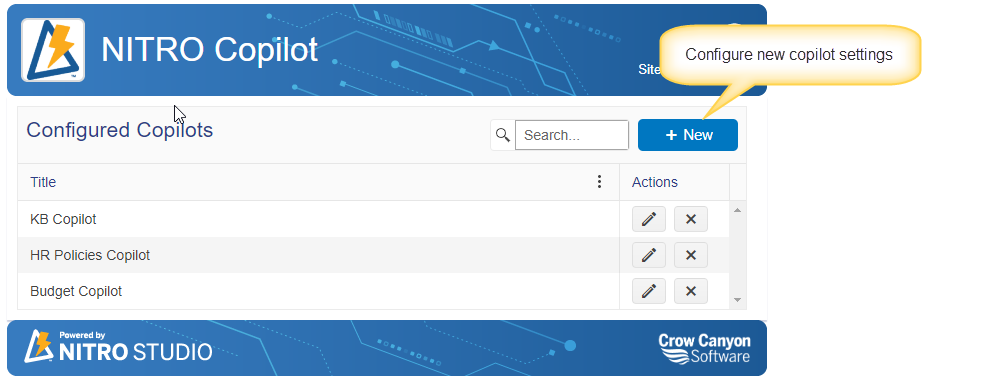
To configure NITRO copilots, navigate to the URL below manually.
##SiteURL##/CrowCanyonAppsLib/nitroai/copilot/default.aspx
##SiteURL##: Replace the placeholder with the site URL
General Settings
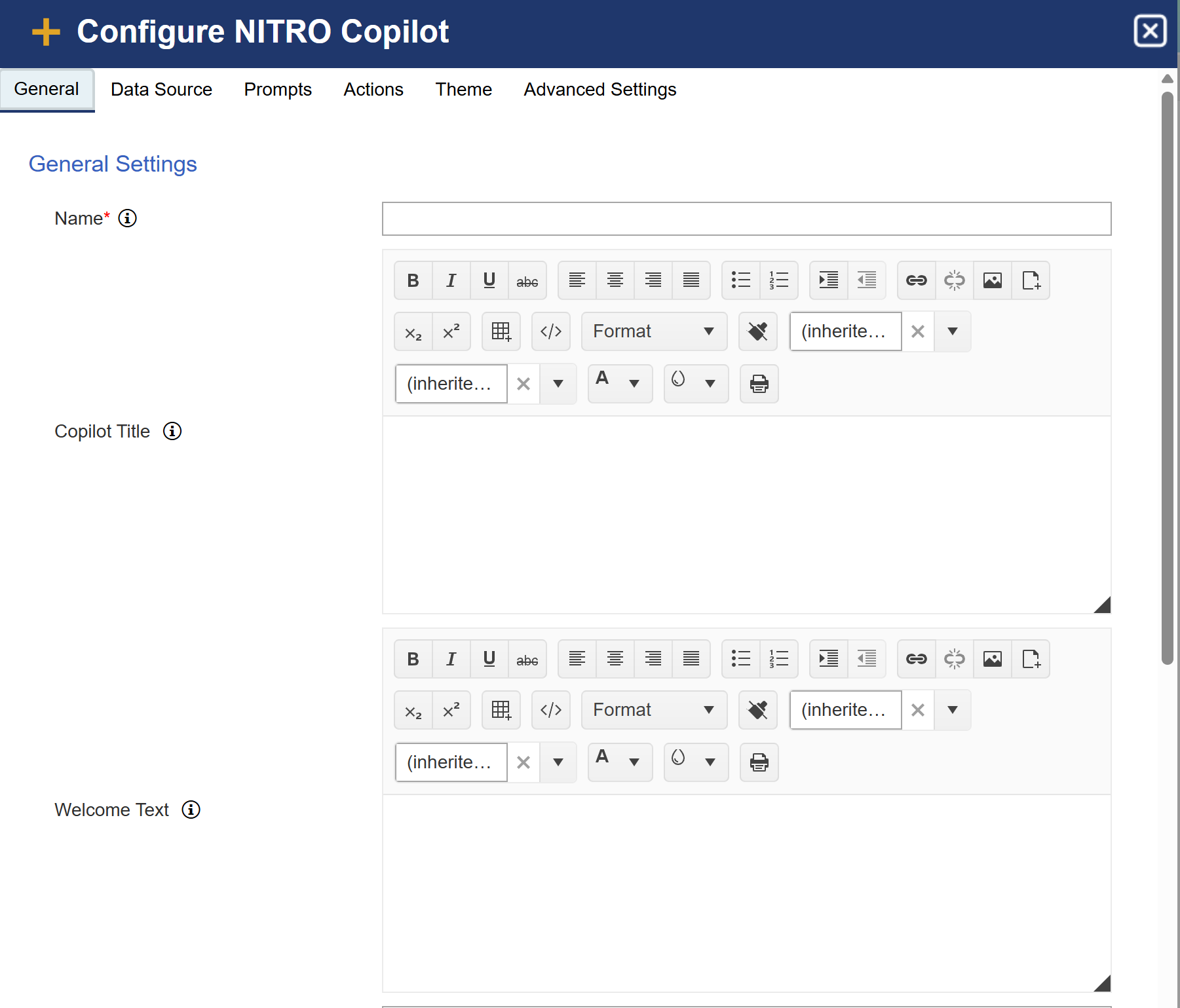
Name: Specify the name for the copilot. The name will be shown on the copilot page.
Copilot Title: Specify the copilot title. Copilot title will be shown at the top of the copilot.
Welcome Text: Specify the welcome text for your Copilot search application. This text will greet users and provide initial guidance or instructions on how to use the application effectively.
Example: Welcome to Copilot search! Start typing your query or question to begin exploring insights and information.
Leave this blank to use the default welcome text in the Copilot web part.
Supported placeholder: [CurrentUserDisplayName]], [[FirstName]] and [[LastName]]
The above placeholder will be replaced with the current logged-in user’s name and user first name and last name.
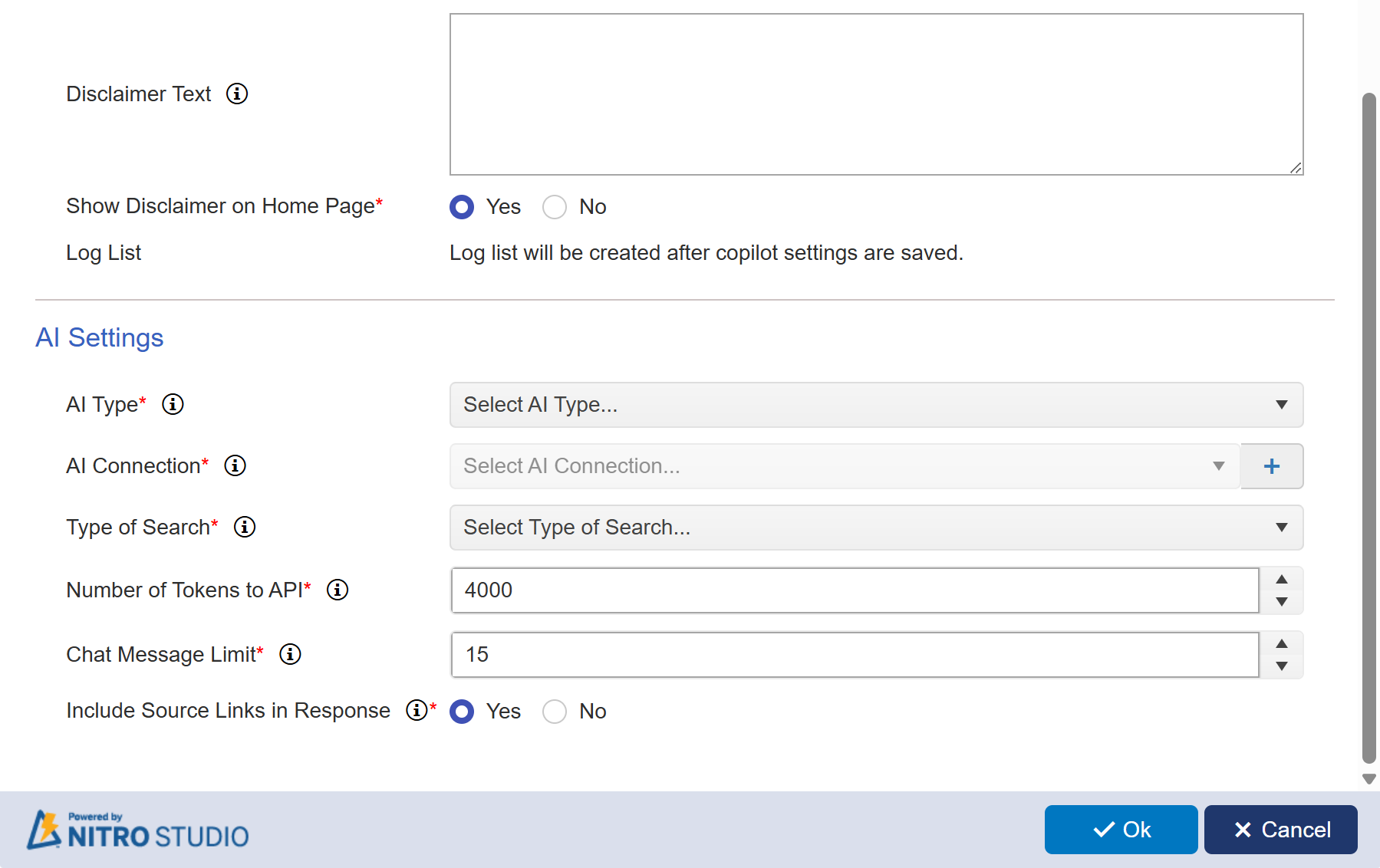
Disclaimer Text: Disclaimer for NITRO Copilot response, shown at the end of the answer below the list of document sources. To remove the disclaimer from the copilot response, remove the disclaimer text.
Show Disclaimer on Home Page: Options: Yes / No
This setting controls whether a disclaimer message is displayed to users on the NITRO Copilot home page.
•Yes: A disclaimer will be shown at the end of the answer below the list of document sources.
•No: No disclaimer will be displayed on the home page.
Log List: The Log List is automatically created upon saving Copilot settings and records all user interactions with NITRO Copilot.