•Filter Report: Filters the report based on specified conditions by clicking on filter icon in Toolbar.

Clicking on above icon will open below window
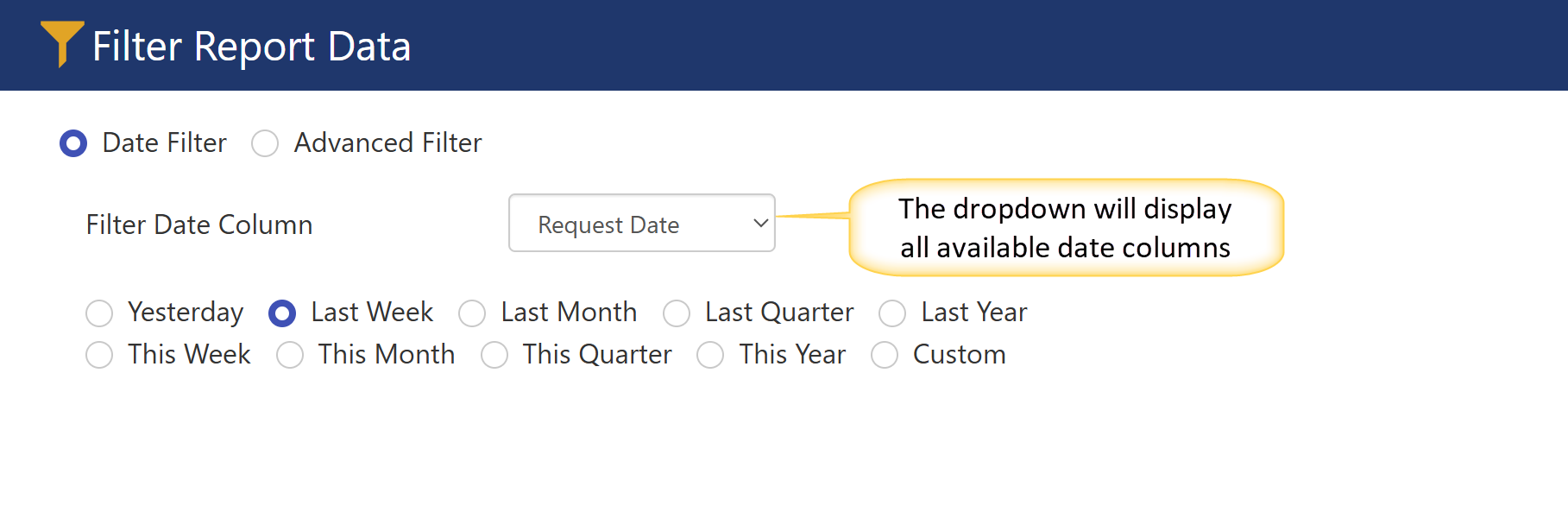

Date Filter: This filter allows you to refine the report based on the selected date column. You can further narrow down the results using options such as "Yesterday," "Last Week," "Last Month," and more.
For example, in the image above, the report is filtered based on the "Request Date" and the "Last Week" option.
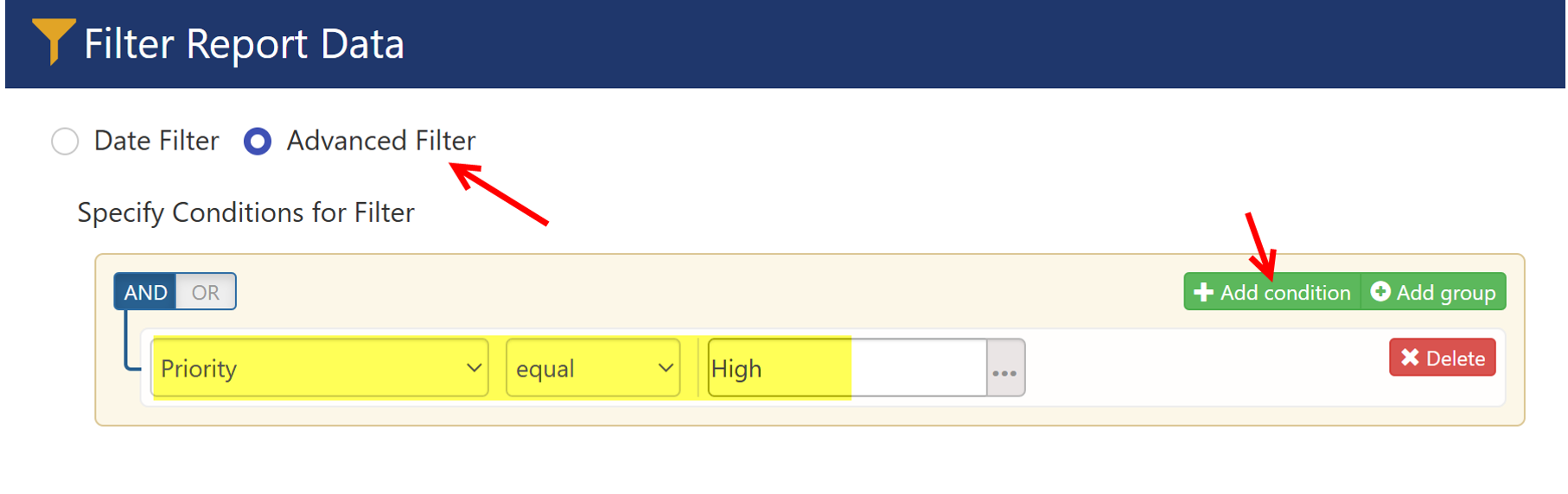
Advanced Filter: This option allows users to define specific conditions to filter the report.
For example, in the image below, the report is filtered based on the "High Priority" value.

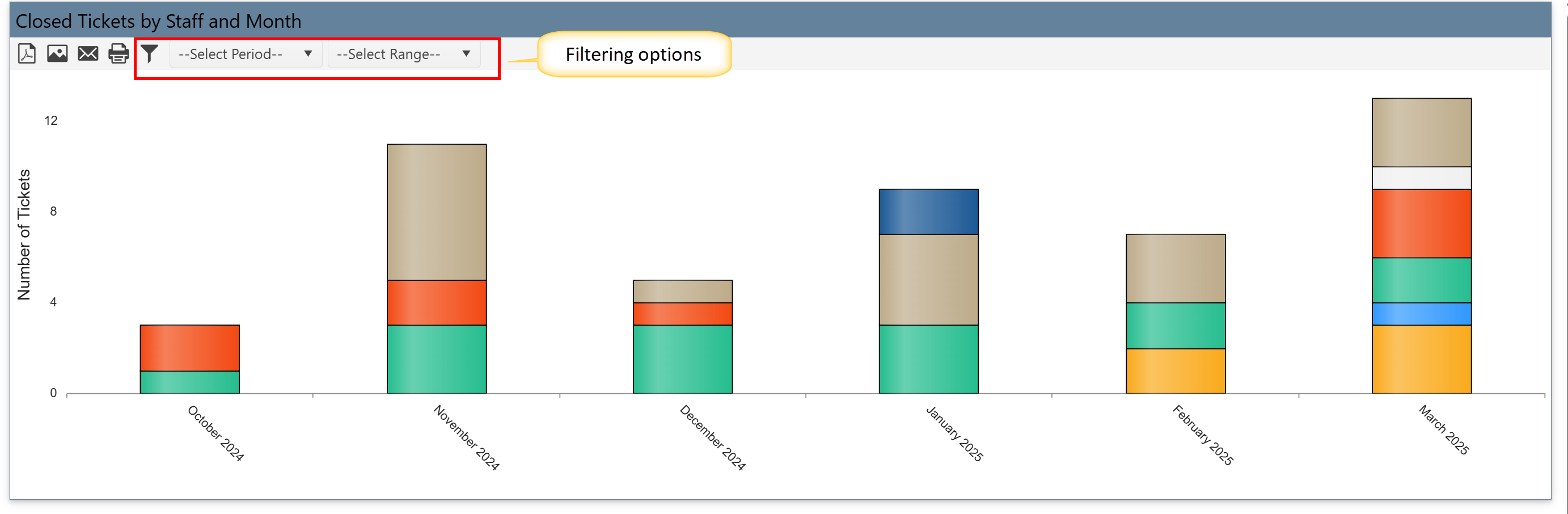
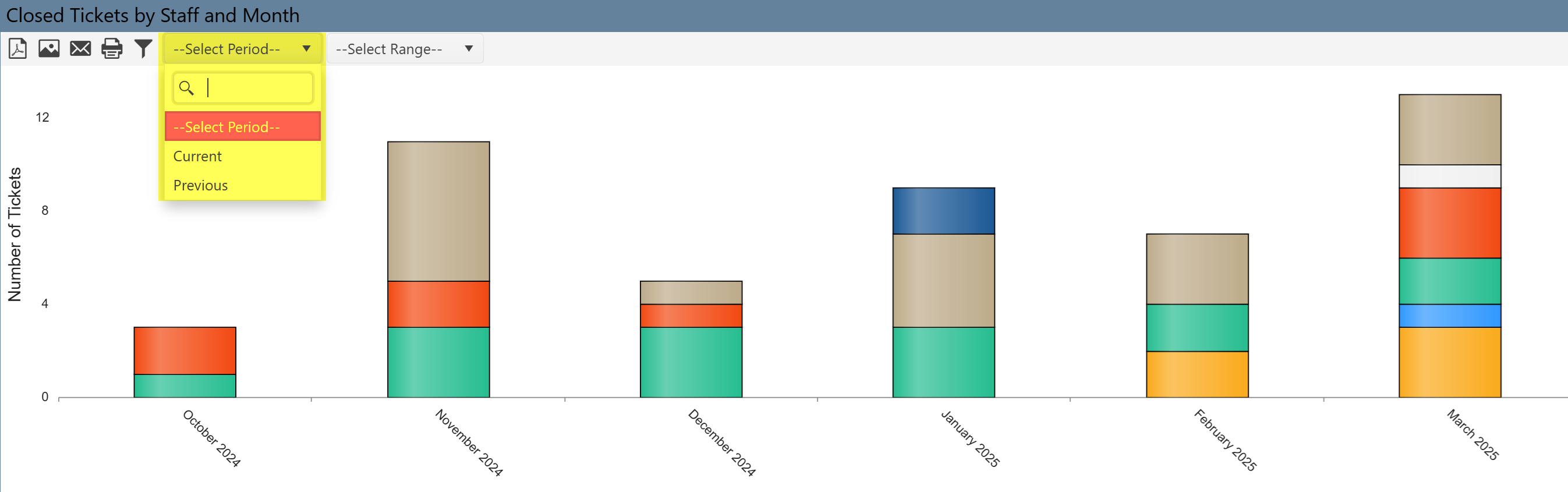
•Select Period box: The Select Period filter allows users to define the time frame for the report data. It has two available values:
Current: Filters the report to show data for the current period (e.g., today's date, this week, this month, etc.), depending on how the report is set up.
Previous: Filters the report to show data from the previous period (e.g., yesterday, last week, last month, etc.), depending on the report's configuration.
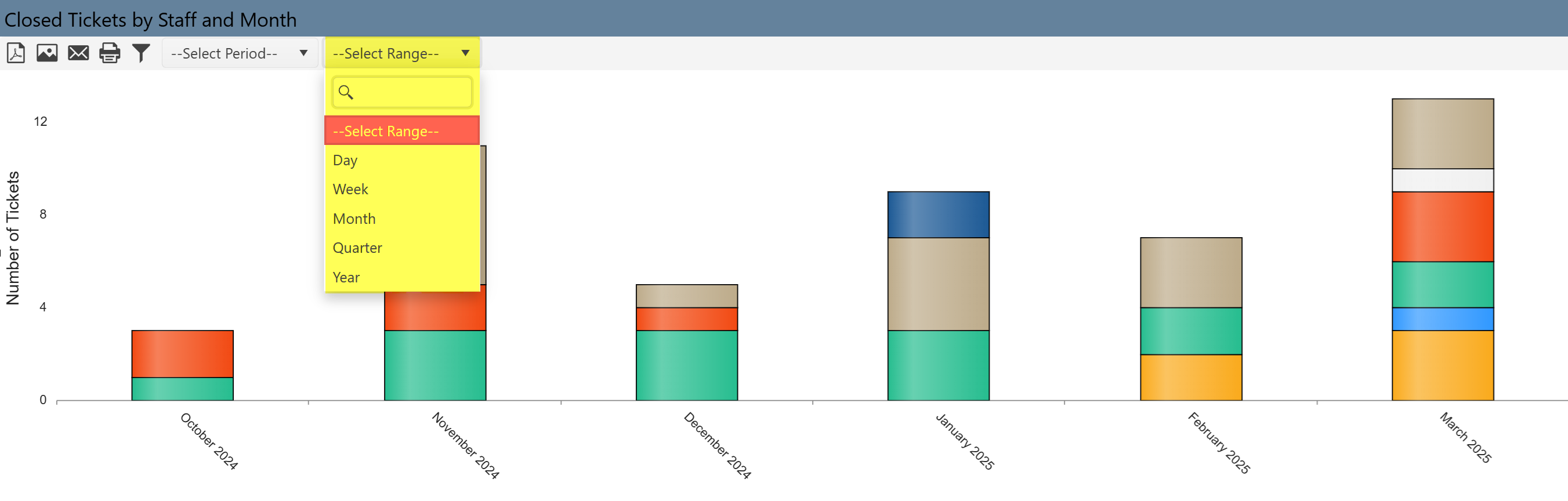
•Select Range box: The Select Range filter allows users to define the time unit for the report data. It provides the following options:
Day: Filters the report based on a specific day.
Week: Filters the report for a specific week.
Month: Filters the report for a specific month.
Quarter: Filters the report for a specific quarter (e.g., Q1, Q2, Q3, Q4).
Year: Filters the report for a specific year.
By using this filter, users can control the scope of the data presented in the report, helping to focus on particular time periods for analysis.
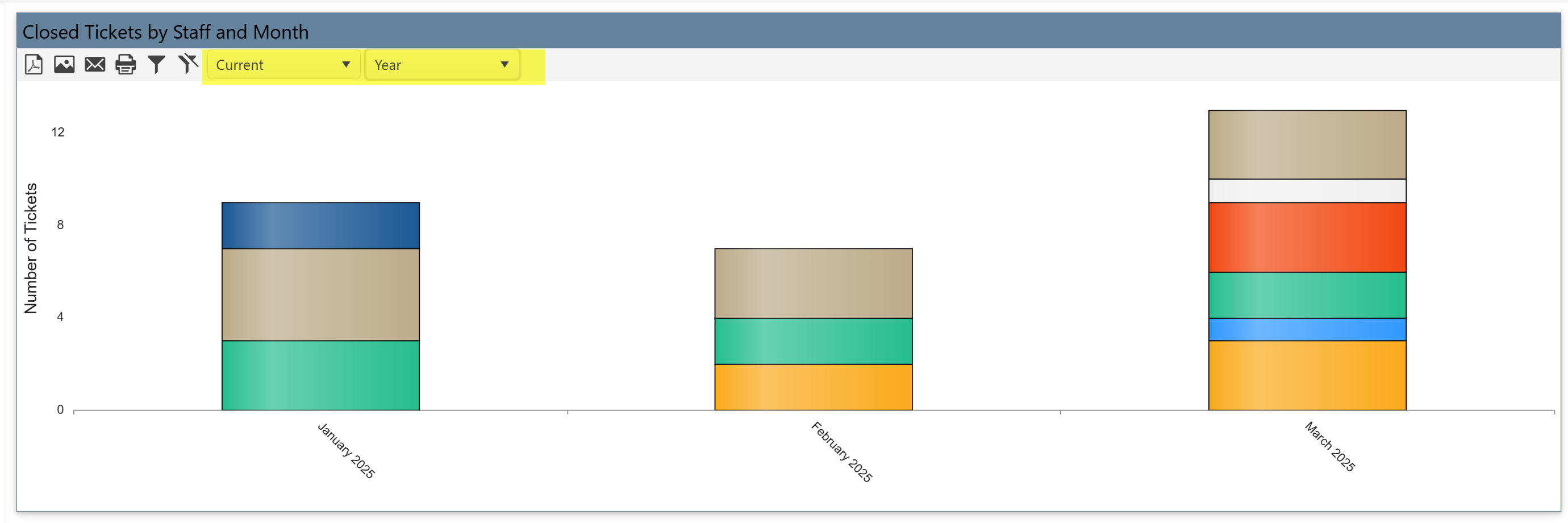
Example: In the image below, the report is filtered to show data for the current year.