Go to Site Content -> Site Settings -> Crow Canyon NITRO Apps -> NITRO Reports -> Edit the report where you want to apply Date Filter
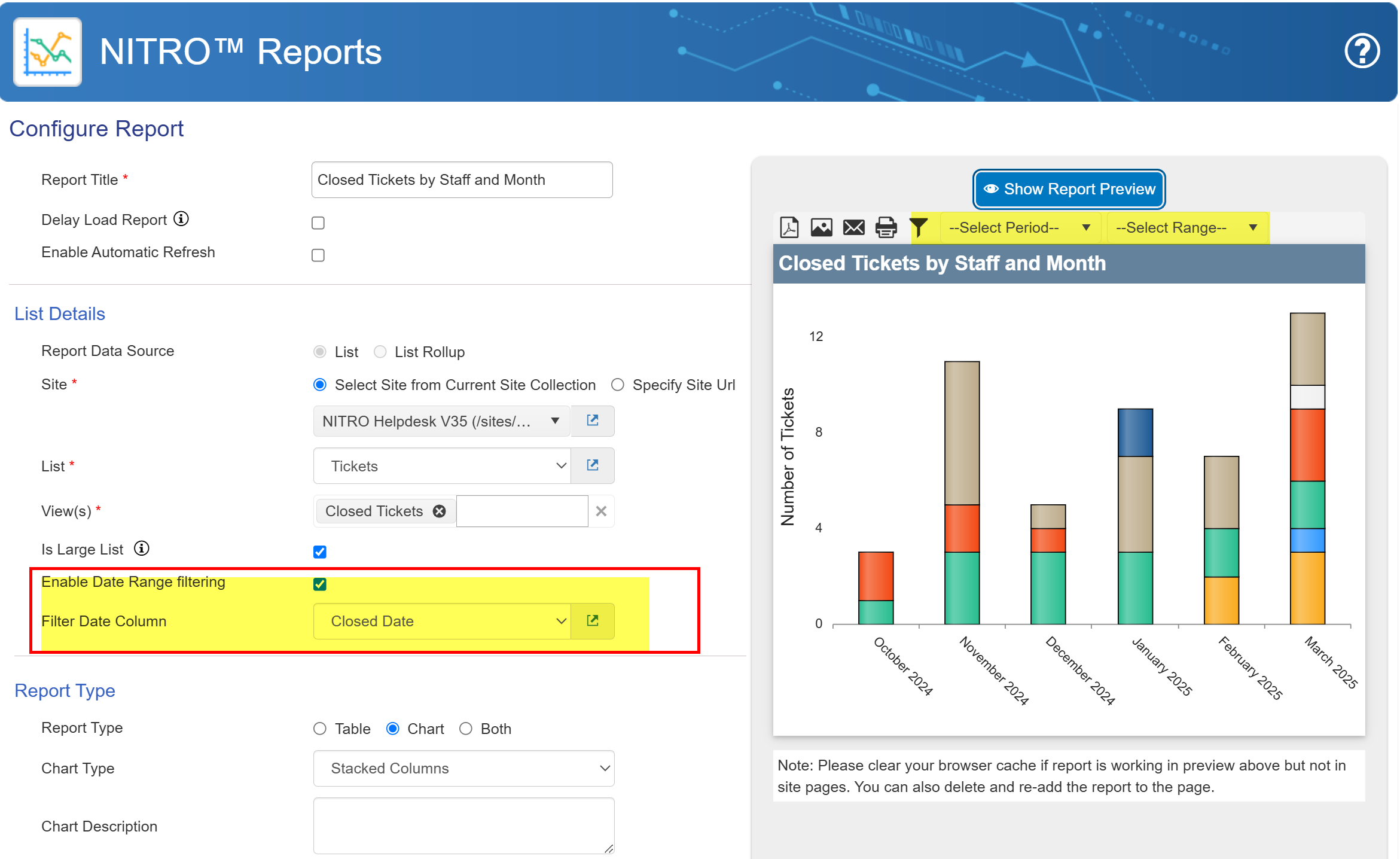
If the ‘Enable Date Range Filtering’ option is turned on, the ‘Filter Date Column’ dropdown will be displayed, listing all available date columns. This allows users to filter reports based on the selected date column.