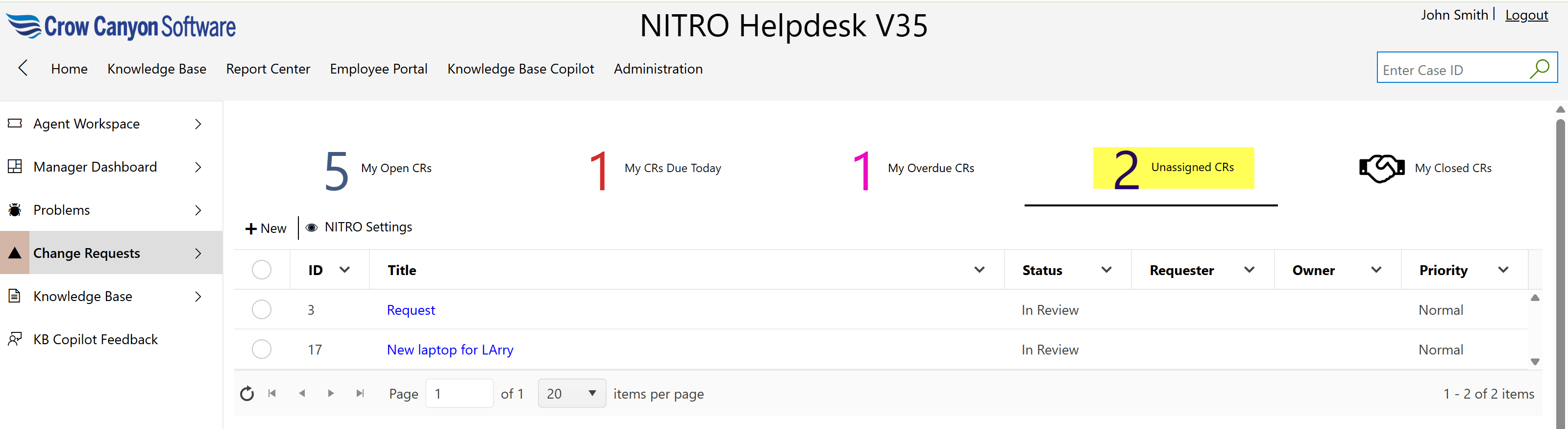
Assigned staff can click on the “Unassigned CRs” link to view all change requests that have not yet been assigned to any staff member.
This helps team members or managers quickly identify and take ownership of unassigned tasks, ensuring no request is overlooked or delayed.