Home
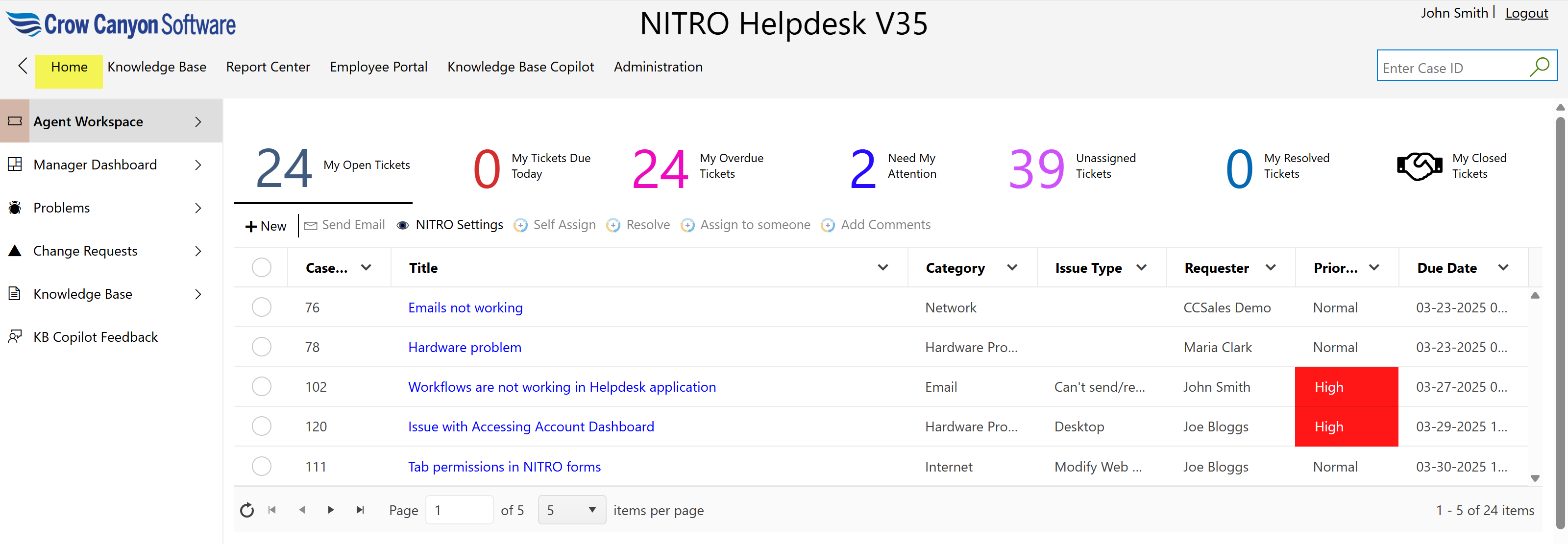
The "Home" link in the top navigation bar takes users directly to the Ticket – Staff – Workspace page.
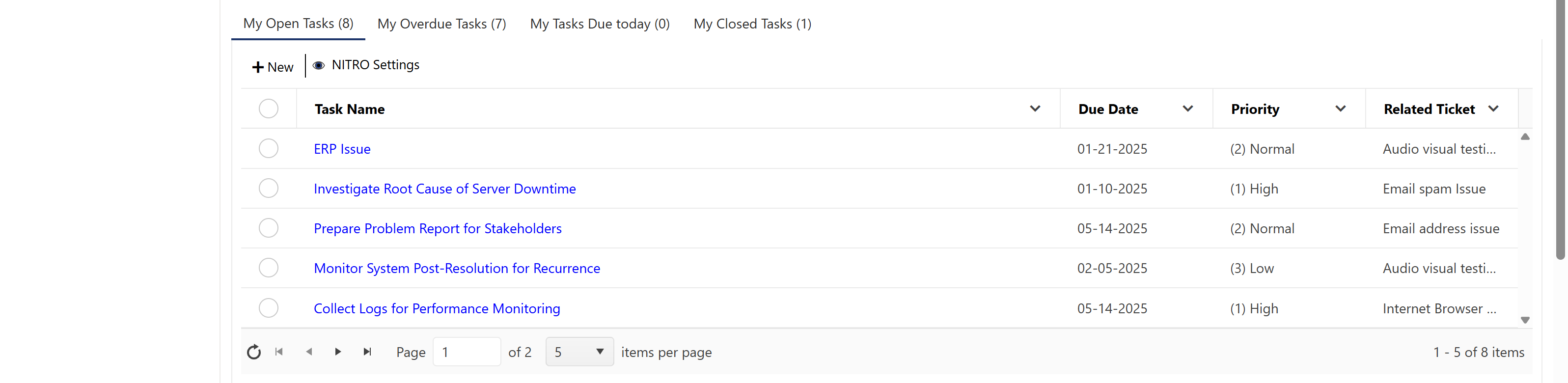
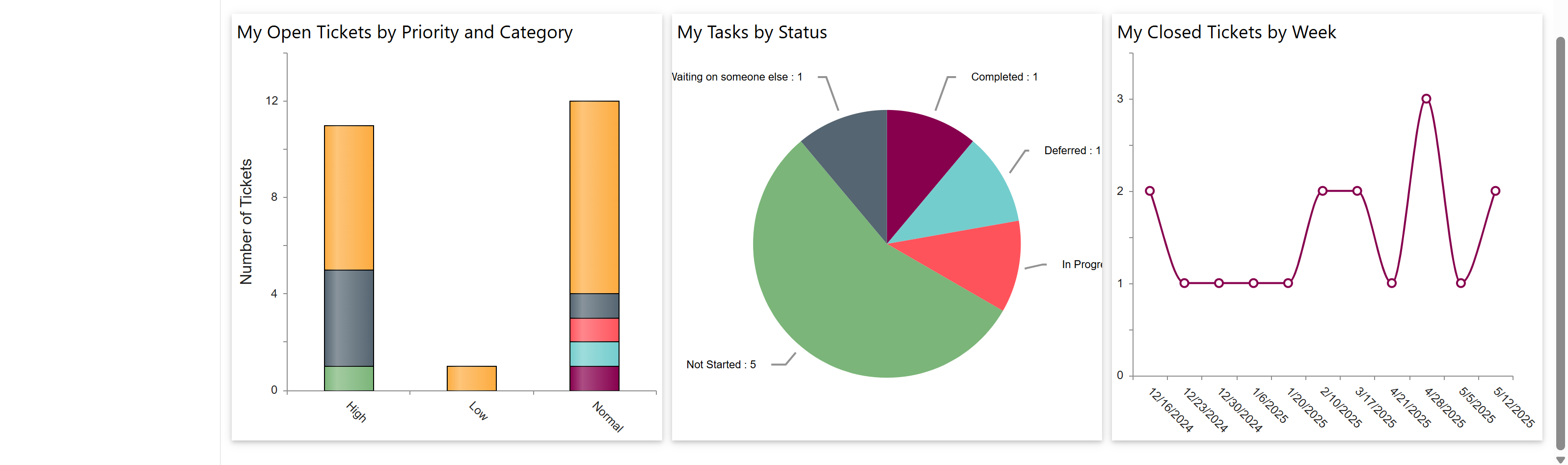
This workspace serves as the central dashboard where staff can view and manage their assigned tickets, tasks, and related reports. It provides a quick overview of open, overdue, and completed items, helping staff stay organized and efficient.
Knowledge Base
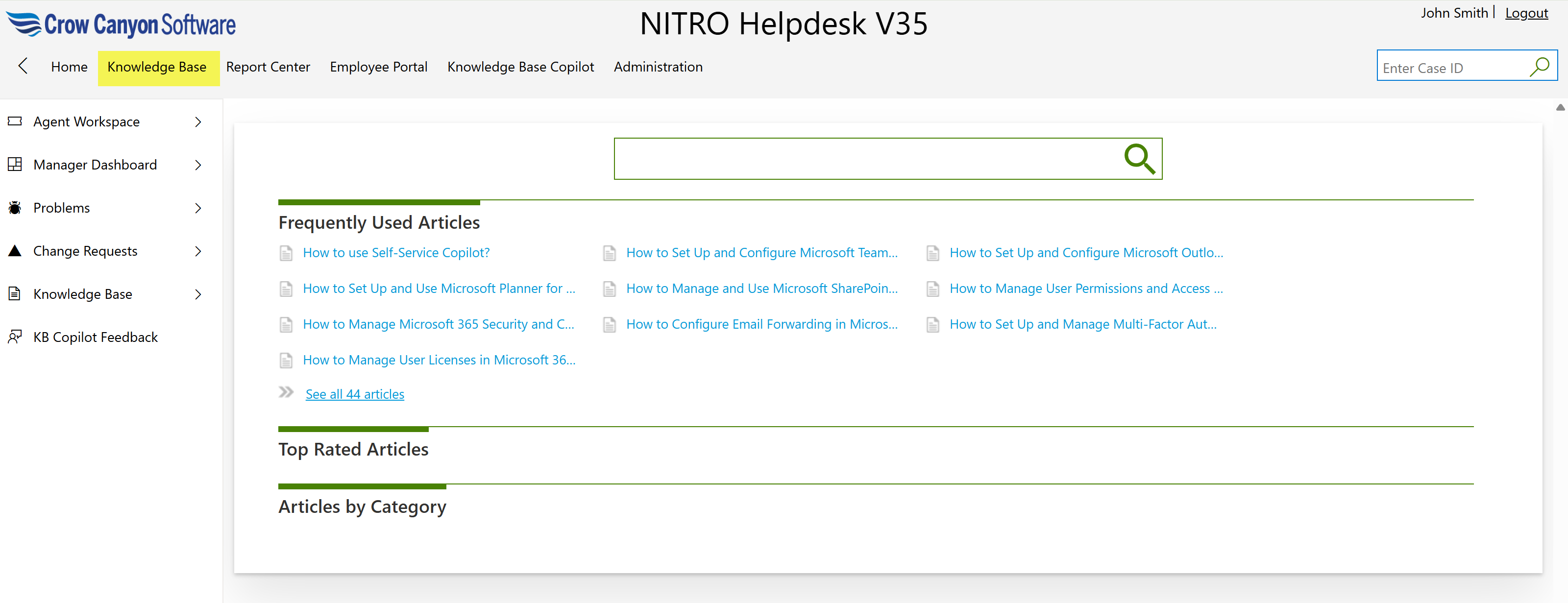
The "Knowledge Base" link in the top navigation bar takes you to the Knowledge Base Article Search page.
This page allows users to search for helpful articles and documentation related to common issues, troubleshooting steps, and best practices. It serves as a self-service resource to help users find answers without needing to create a new ticket.
Report Center
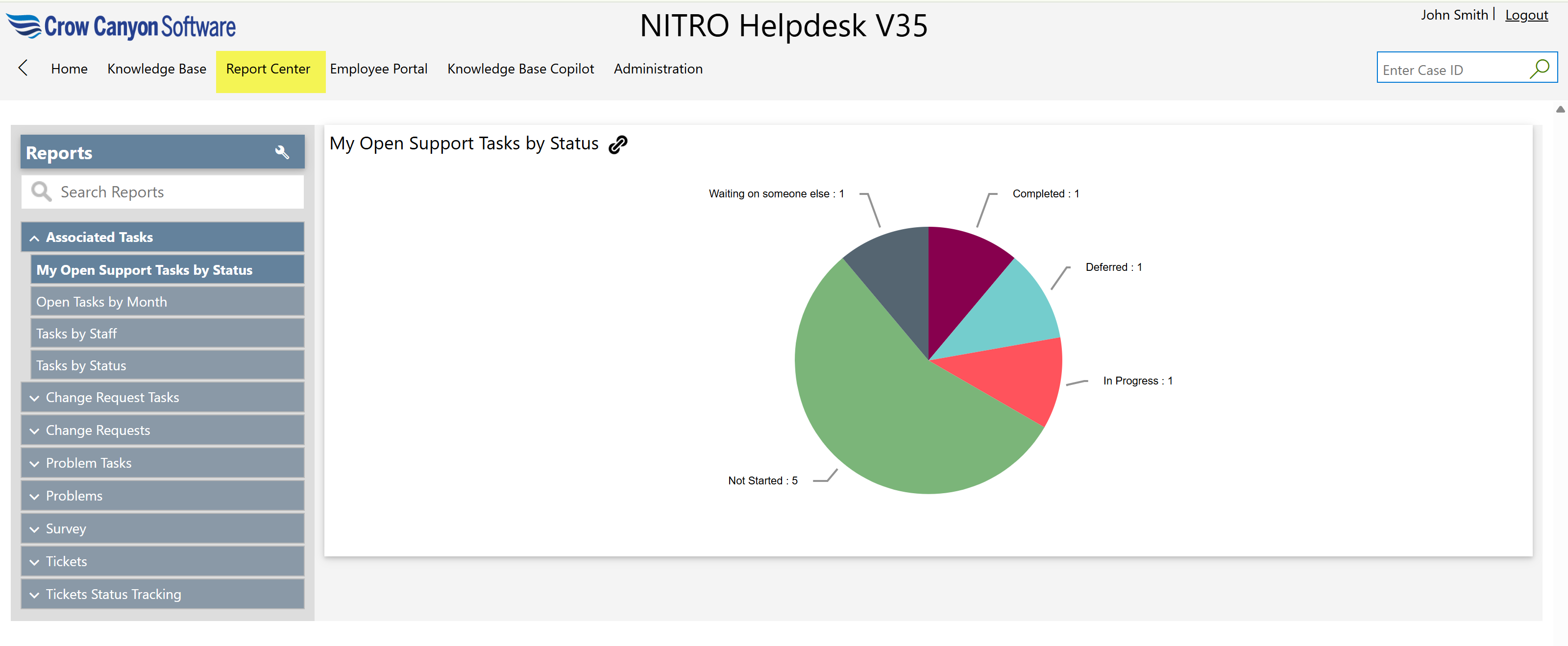
This page displays various reports related to Tickets. You can create or update these reports using the NITRO Reports component.
For more detailed information, please refer to this article on Reports.
Employee Portal
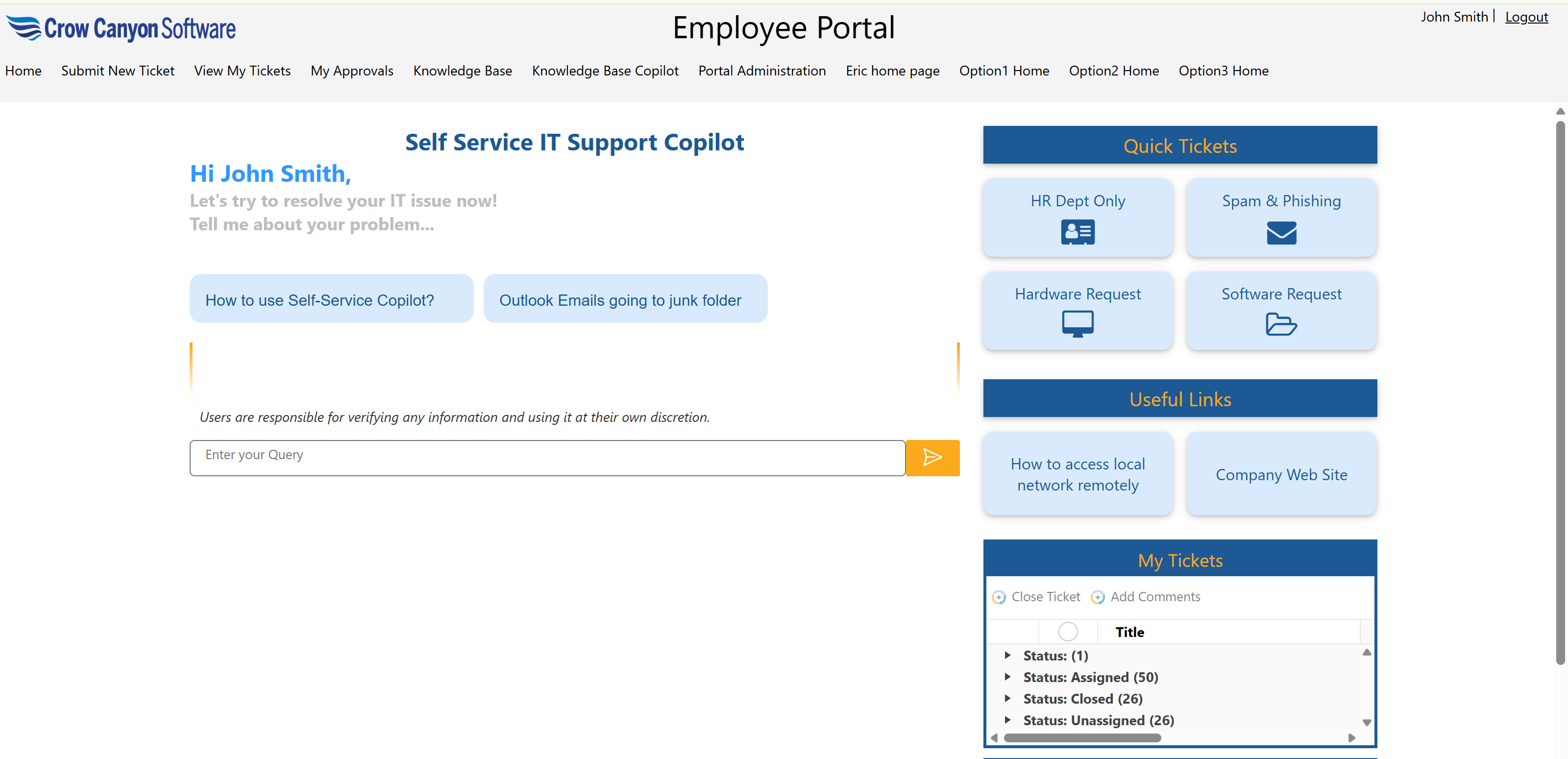
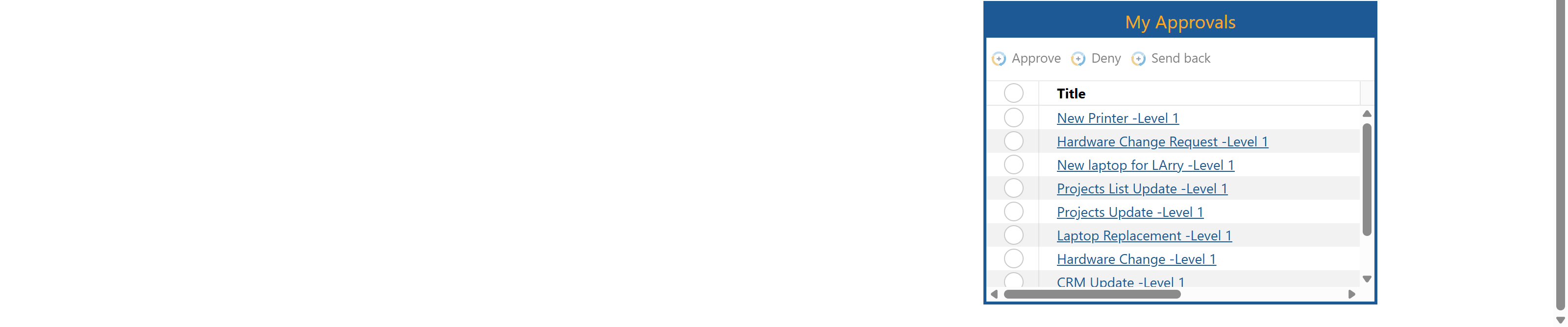
To open portal site, click this top link
Knowledge Base Copilot
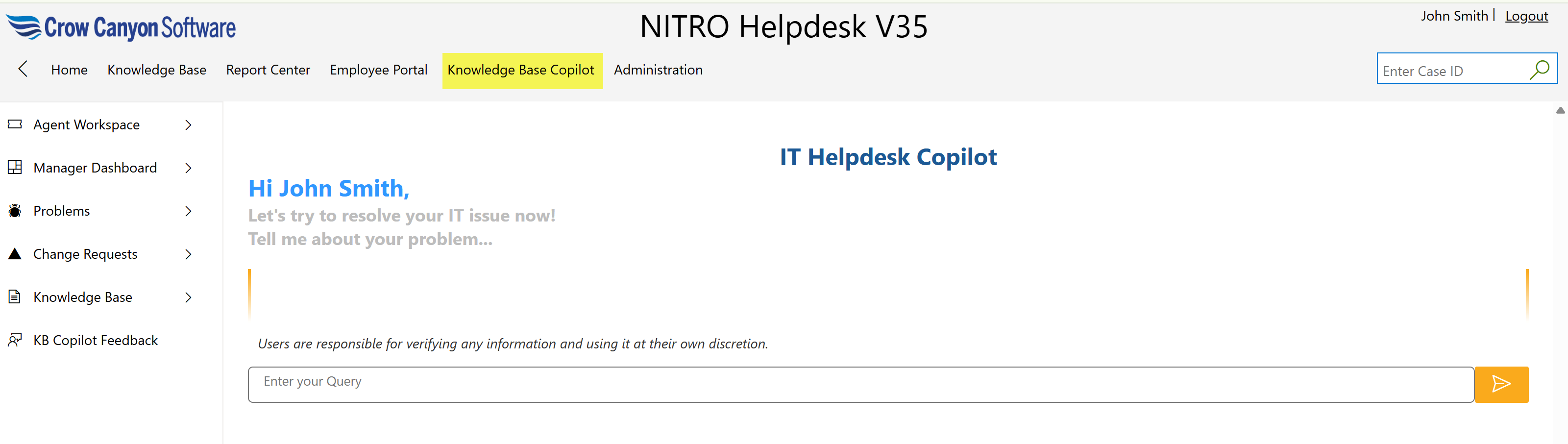
Clicking this link in the top navigation bar will open the Knowledge Base Copilot page. Here, users can enter their queries to start a conversation.
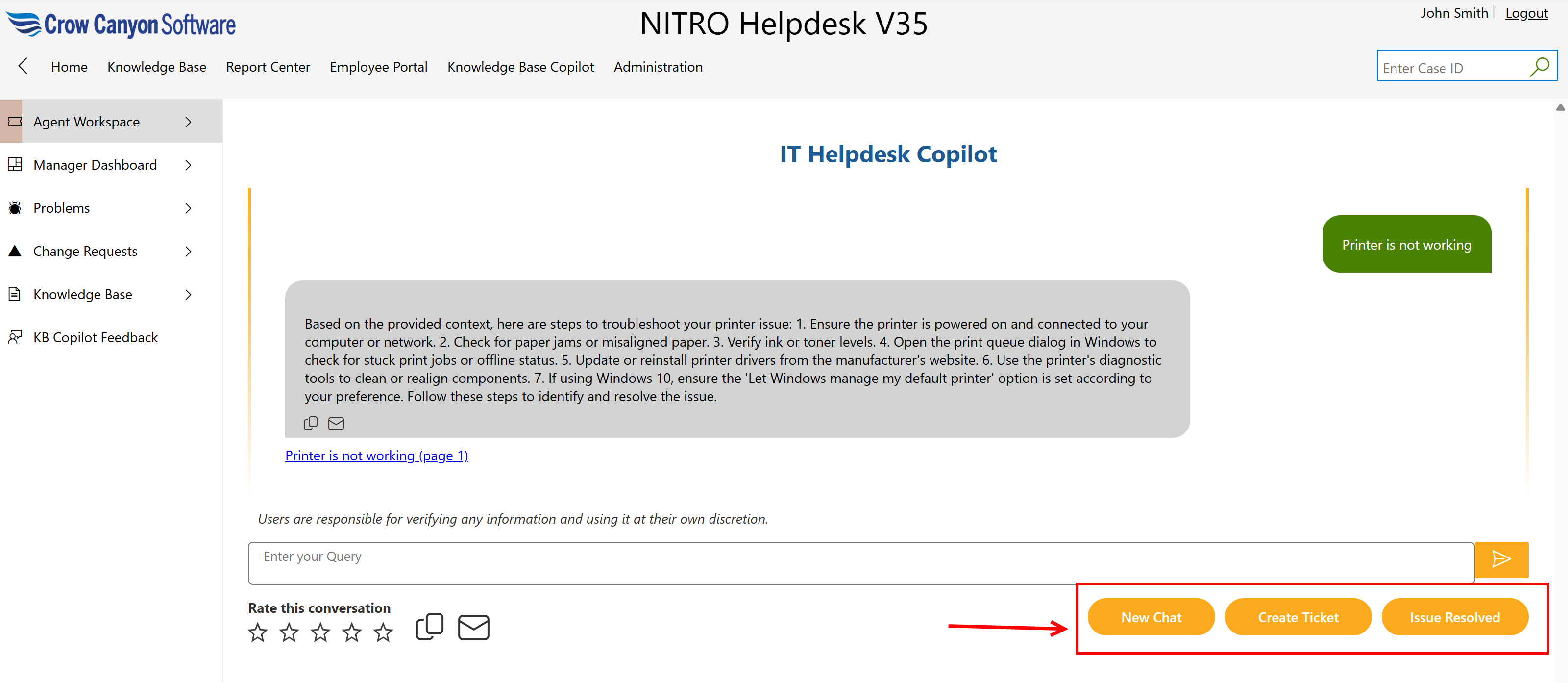
By clicking the ‘New Chat’ button, users can begin a new conversation, which will clear all previous chat history.
To create a new ticket, click the ‘Create Ticket’ button.
If the ticket has been resolved, click the ‘Issue Resolved’ button.
For more Information on copilot refer Knowledge Base Copilot Configuration in NITRO Studio - Crow Canyon Software Support article
NITRO Assets
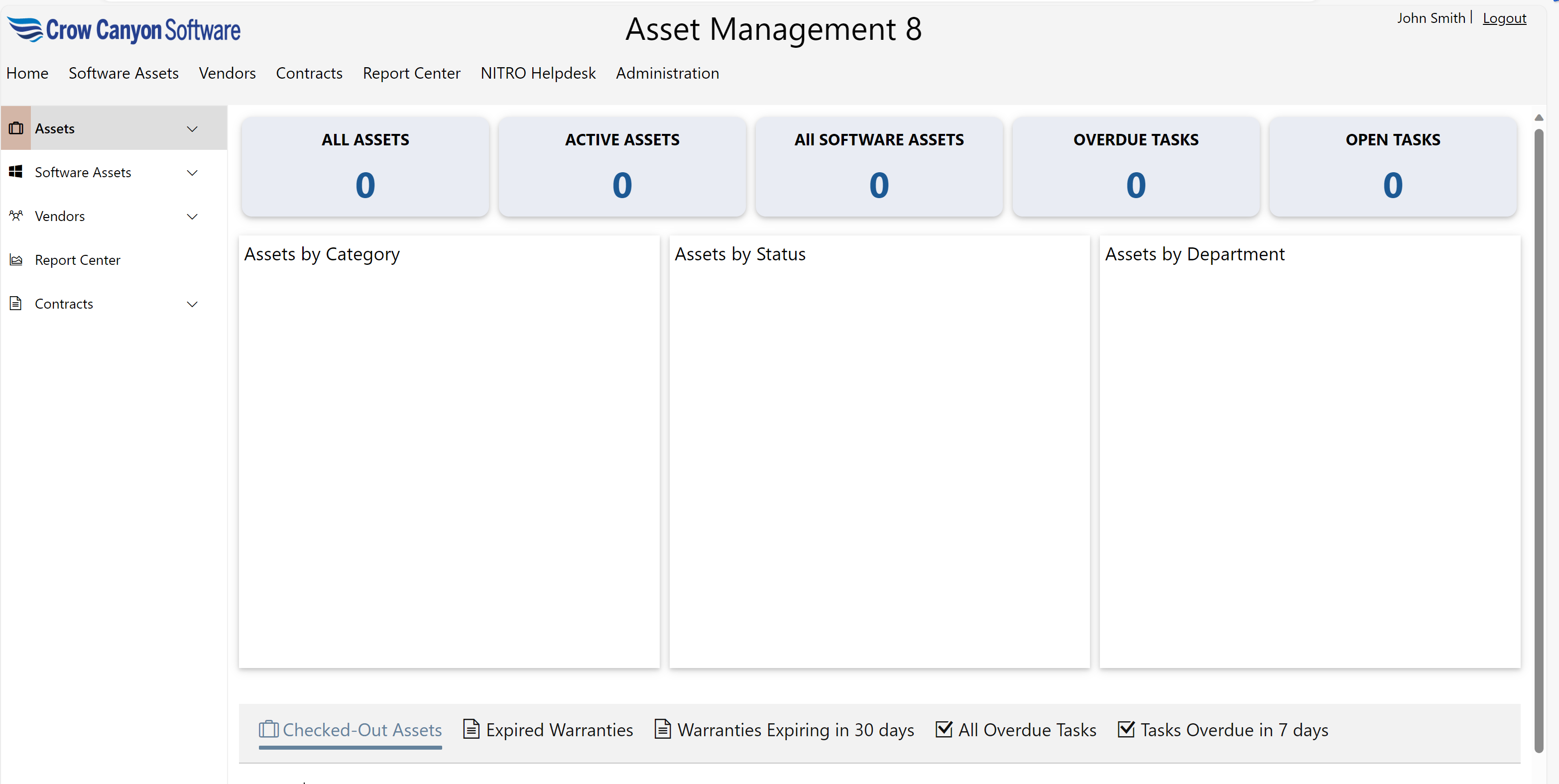
Clicking NITRO Assets in top link bar will open ‘NITRO Assets’ application home page. This is an optional module for purchase, and has a separate guide for using the Assets program.

Asset Management Application