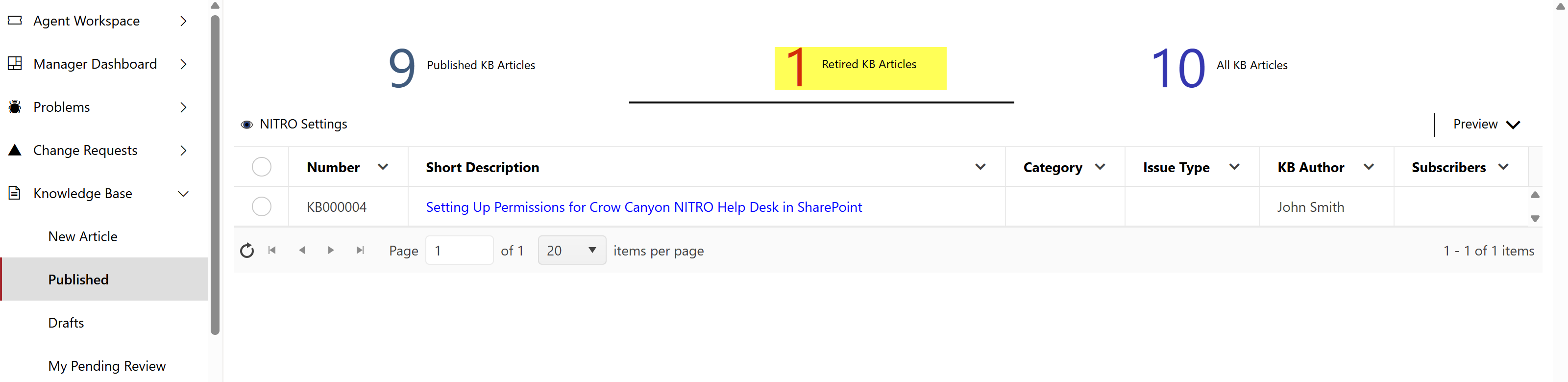
This view will show all the retired articles.

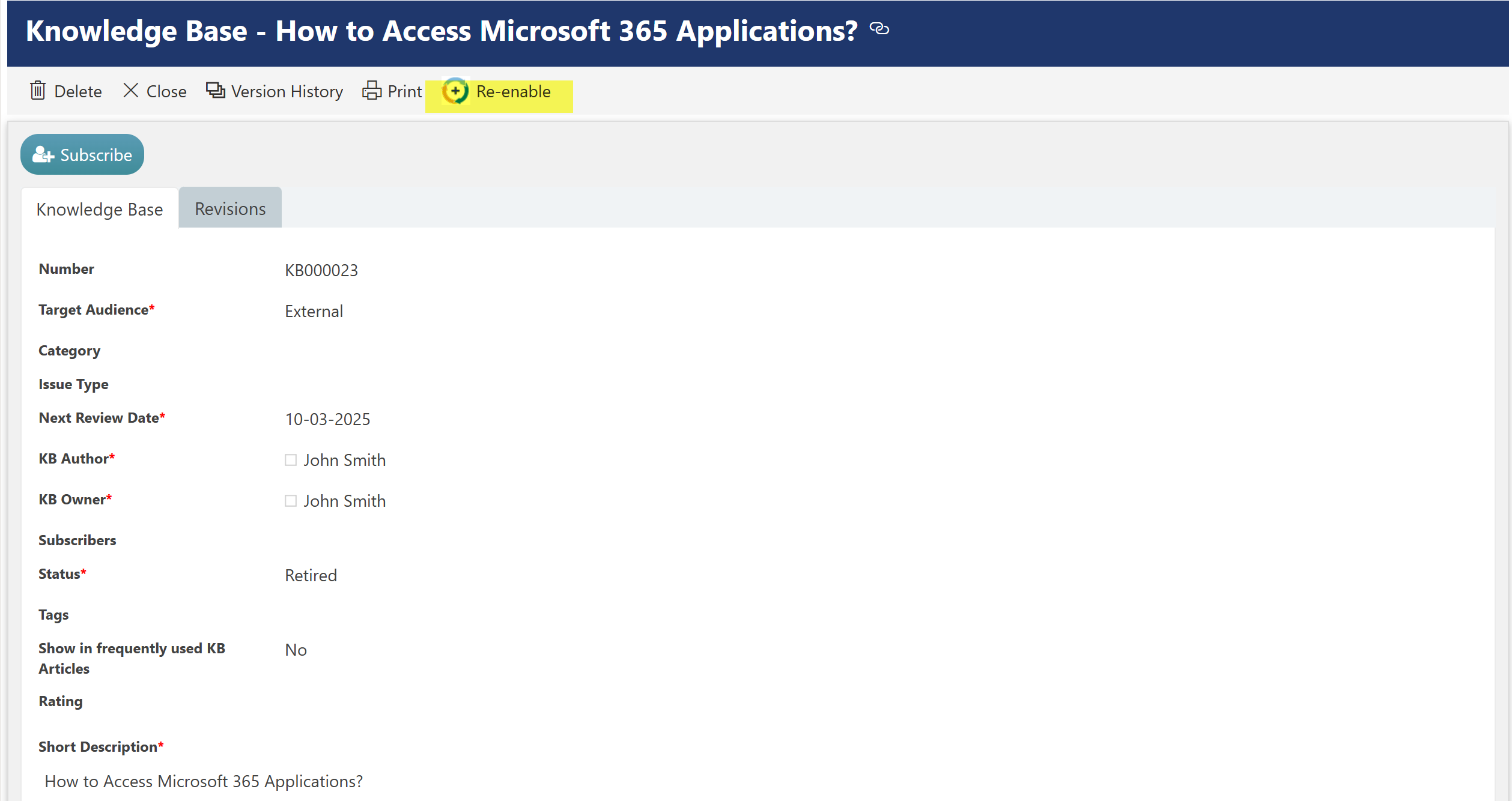
If an article is retired, owners can re-enable the article by clicking ‘Re-enable’ custom action.

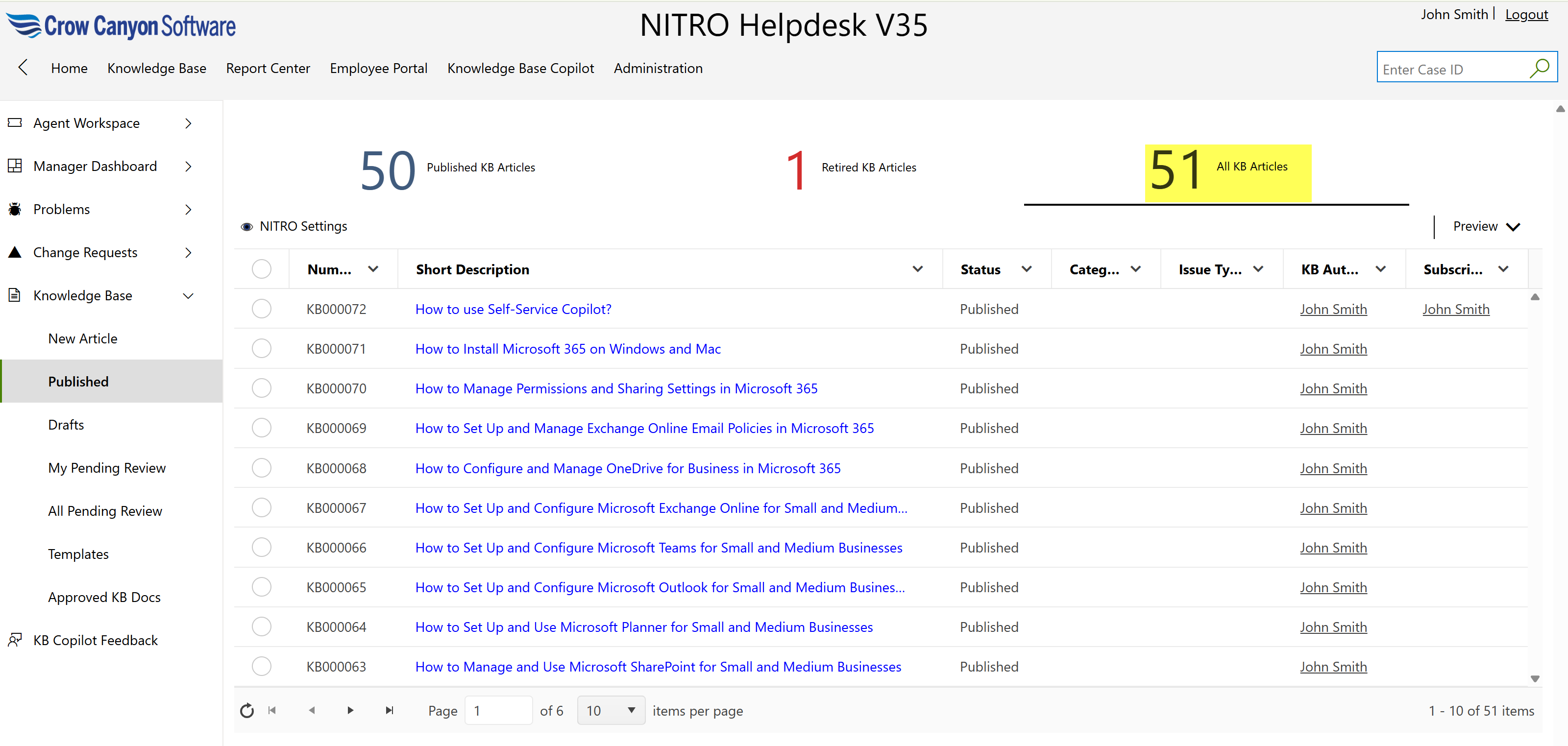
All KB Articles
Click this tile to see all knowledge base articles.
Same custom actions available as shown above in ‘Published KB Article.’
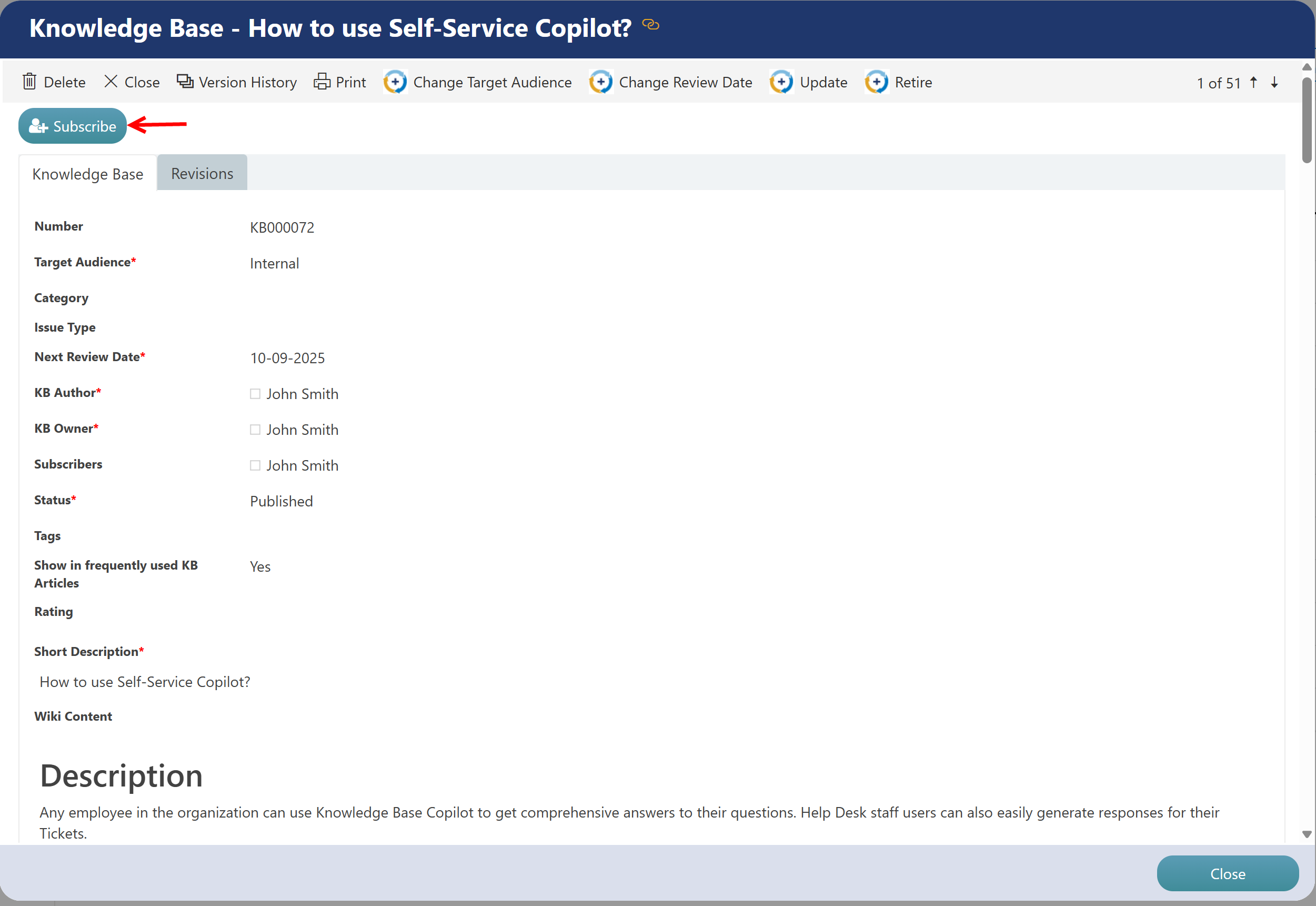
Everyone can subscribe to the article by clicking on ‘Subscribe’ button as shown below. This will send notifications to subscribers whenever there is an update to the article.
•All Retired Articles: This tile will show all retired articles
•