•My Pending Reviews: This tile will show all the articles of logged in staff for which review is pending. This will take the user to ‘KB- My-Pending-Reviews’ page as shown below.
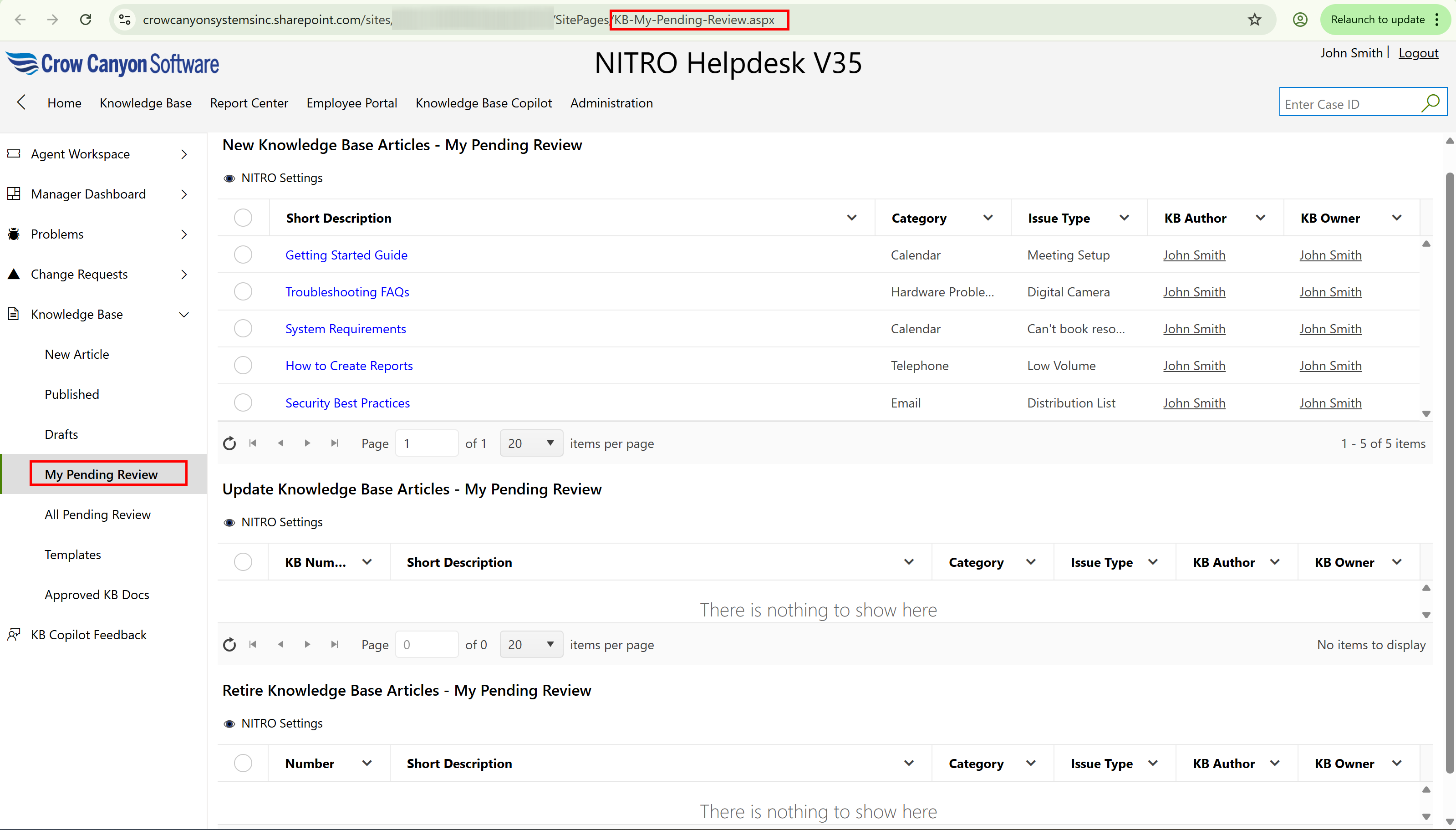
This page consists of
▪New Knowledge Base Articles - My Pending Review
▪Update Knowledge Base Articles - My Pending Review
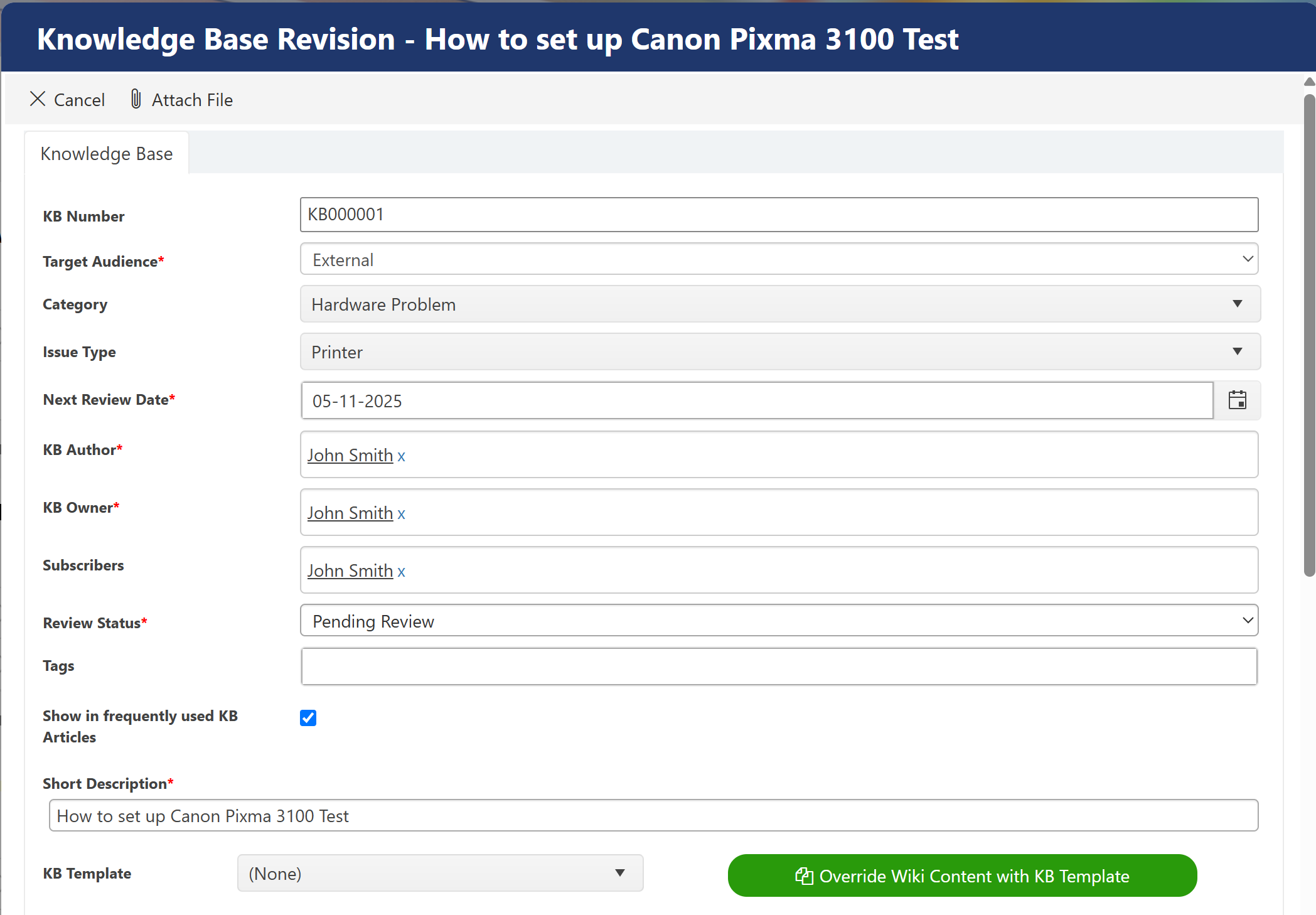
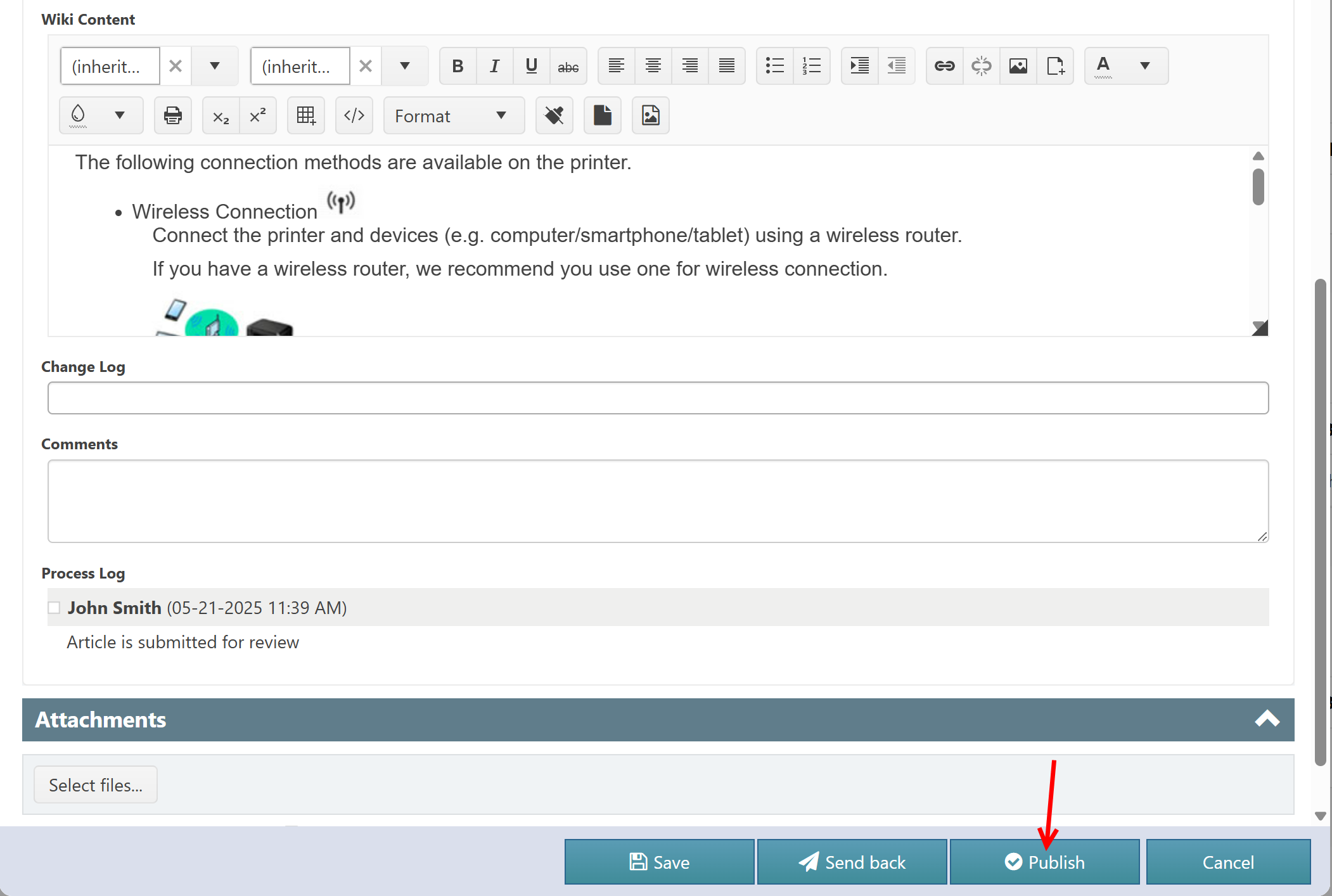
Edit the article, click ‘Publish’ button to publish the article or click ‘Sent back’ button to request to resubmit the article after necessary updates (KBOwner is responsible to review the articles which are sent back when review status is equal to ‘Pending Review’).
▪Retire Knowledge Base Articles - My Pending Review
•All Pending Reviews: Click this tile to see all the articles for which review is pending.
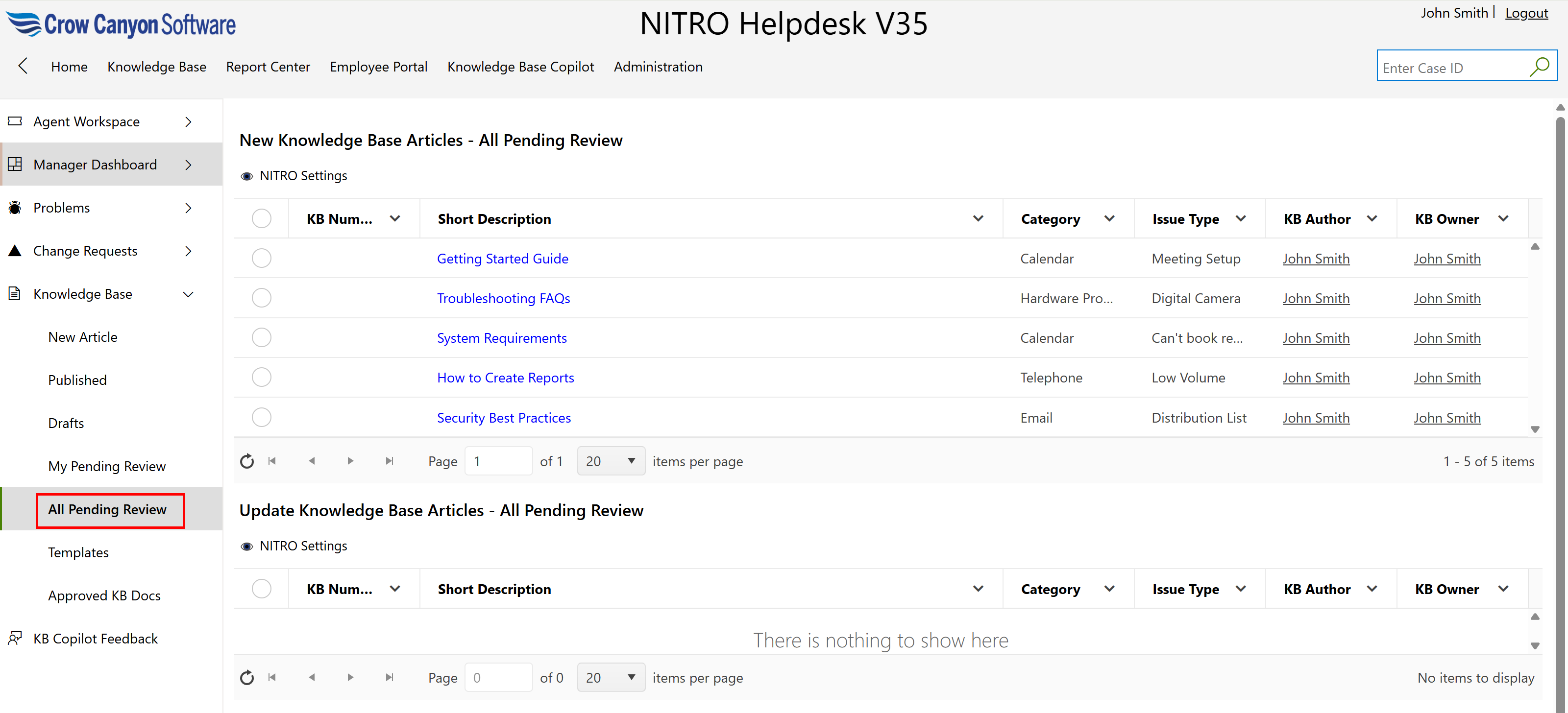

This page consists of
▪New Knowledge Base Articles - All Pending Review
▪Update Knowledge Base Articles – All Pending Review
Edit the article, click ‘Publish’ button to publish the article or click ‘Sent back’ button to request to resubmit the article after necessary updates.
▪Retire Knowledge Base Articles – All Pending Review
•All Published Articles: Click this tile to see all published articles.
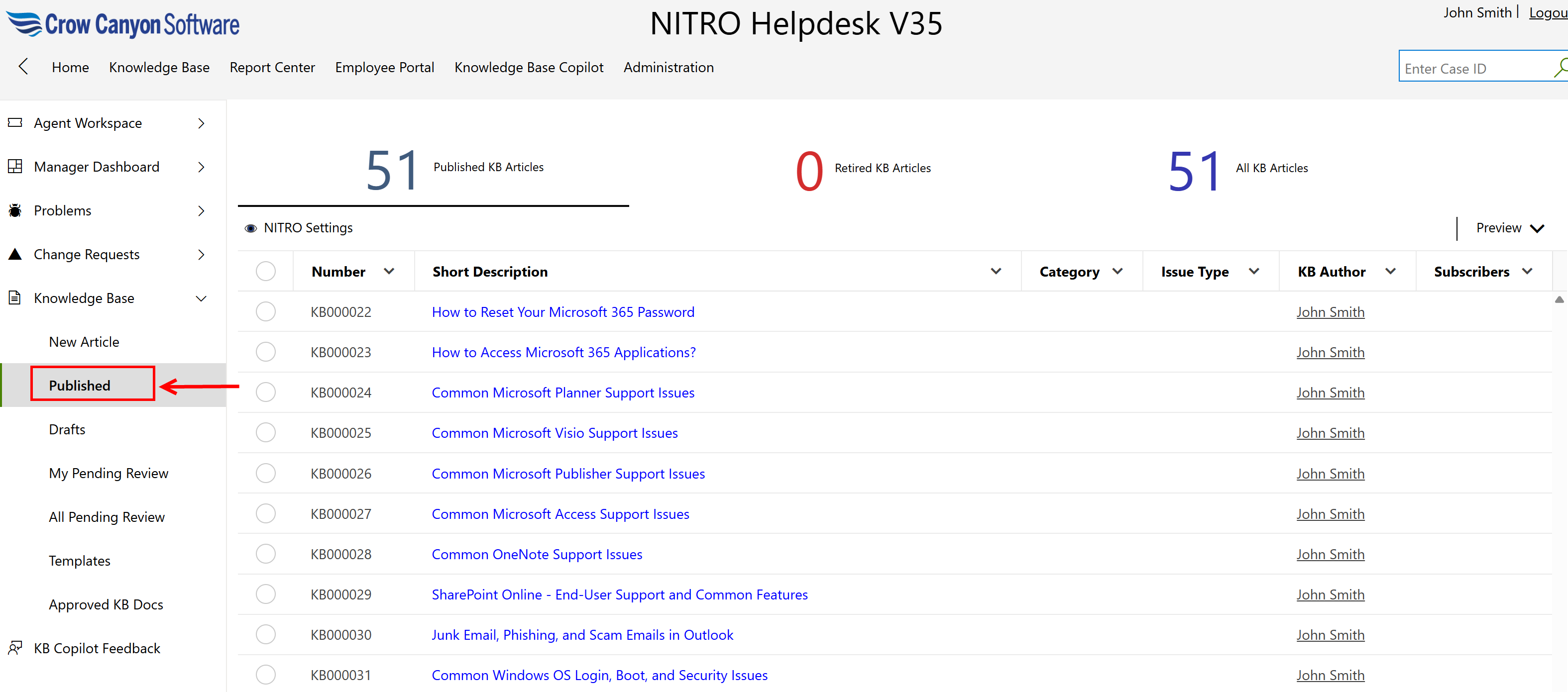
This page consists of 3 views
1.Published KB Articles
2.Retired KB Articles
3.All KB Articles