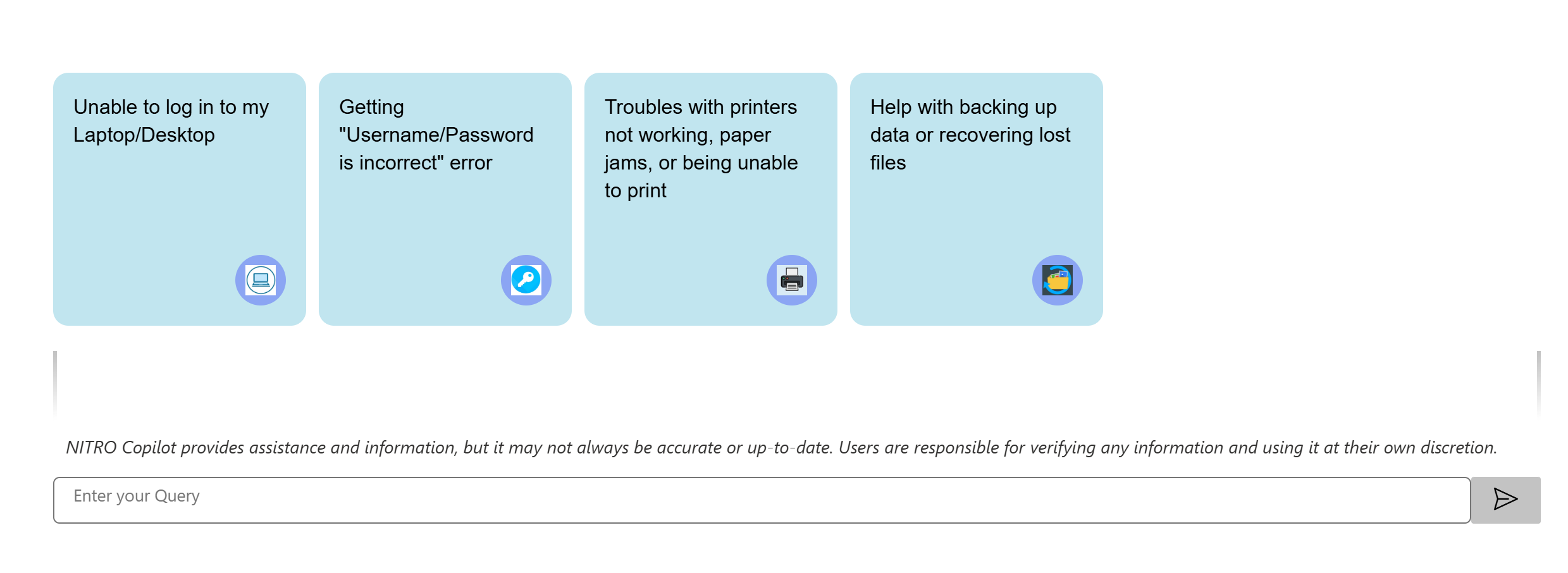
To add KB Copilot to a page, Go to Site Contents in Settings -> Site Pages -> select ‘Site Page’ in the New button dropdown.
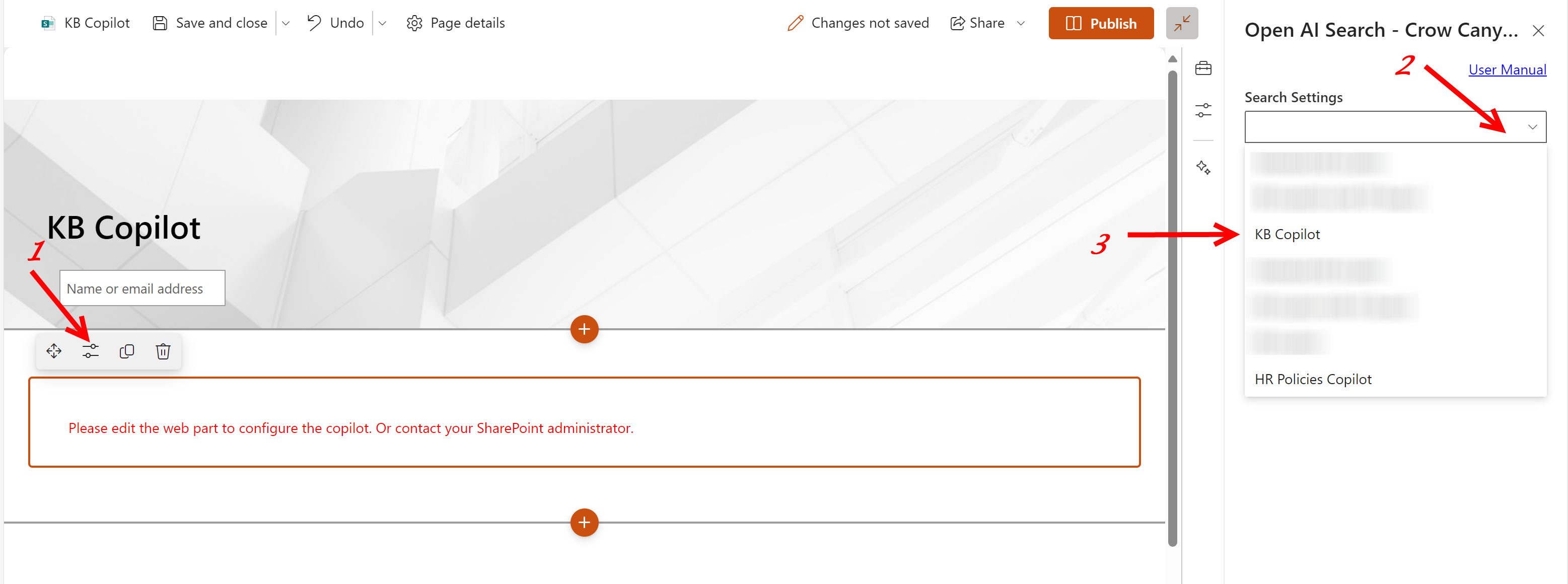
In the page after adding the Crow Canyon Open AI Search web part as explained above, click edit properties button to select KB Copilot
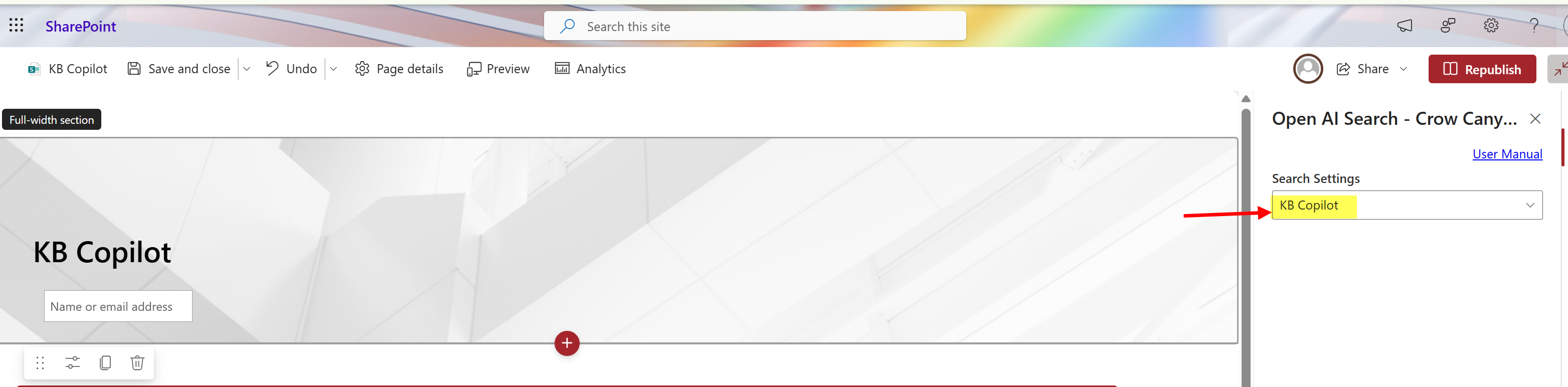
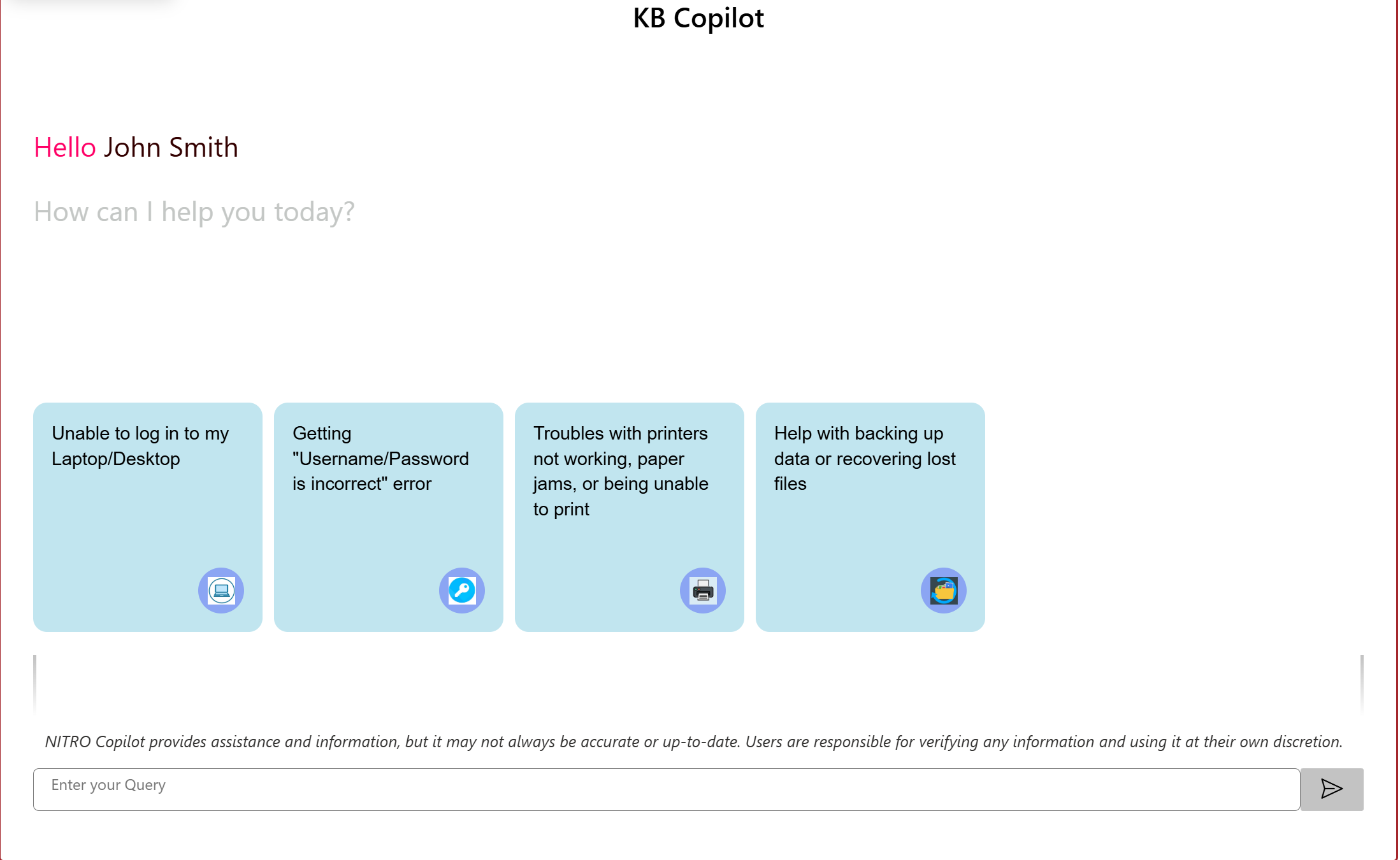
Publish the page by clicking the ‘Publish’ button.
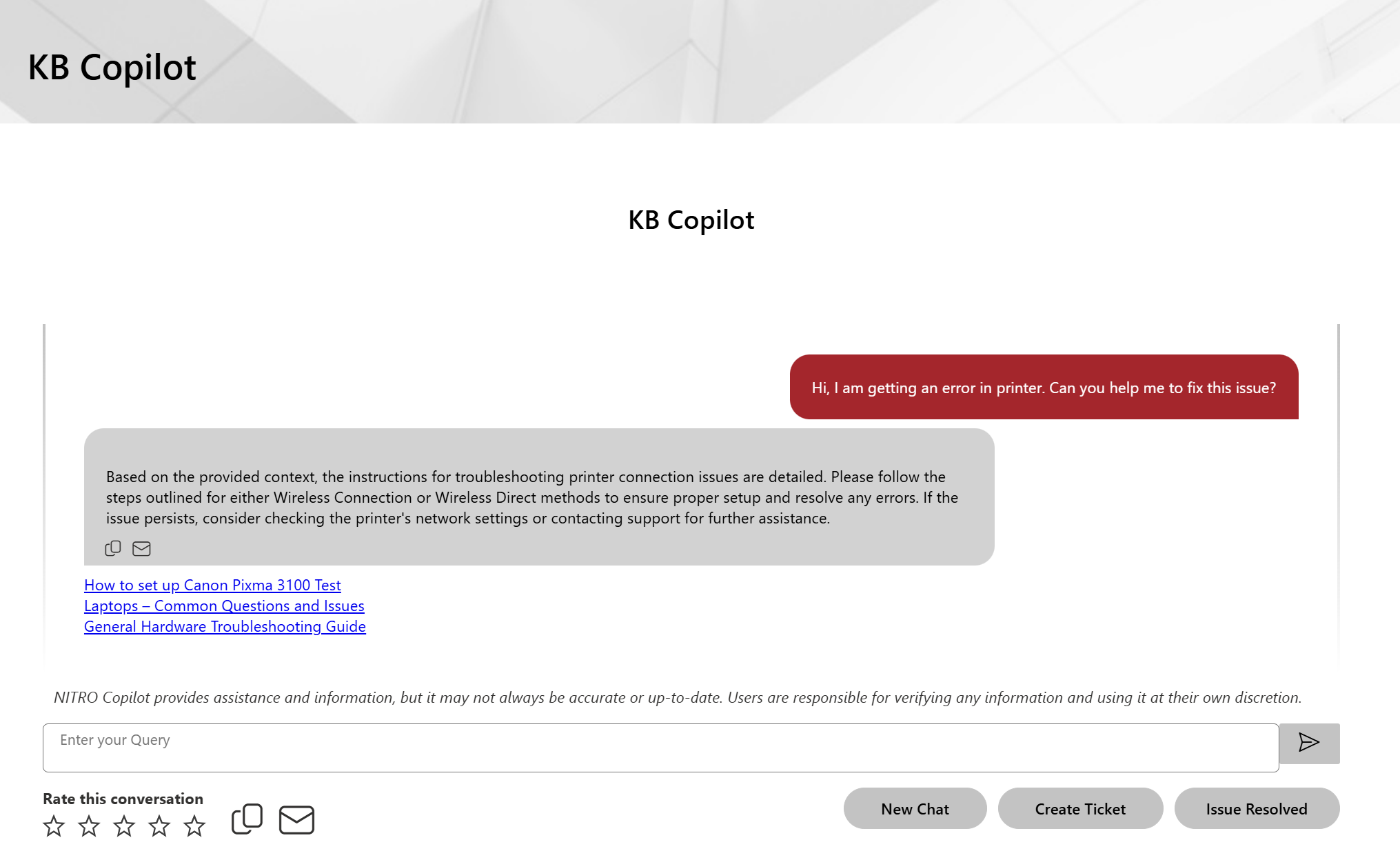
Output: