To view all open problems, click ‘Open Problems’ tile in Problem-Manager- Dashboard page. It will navigate you to the ‘Open Problems’ view of ‘All Problems’ page
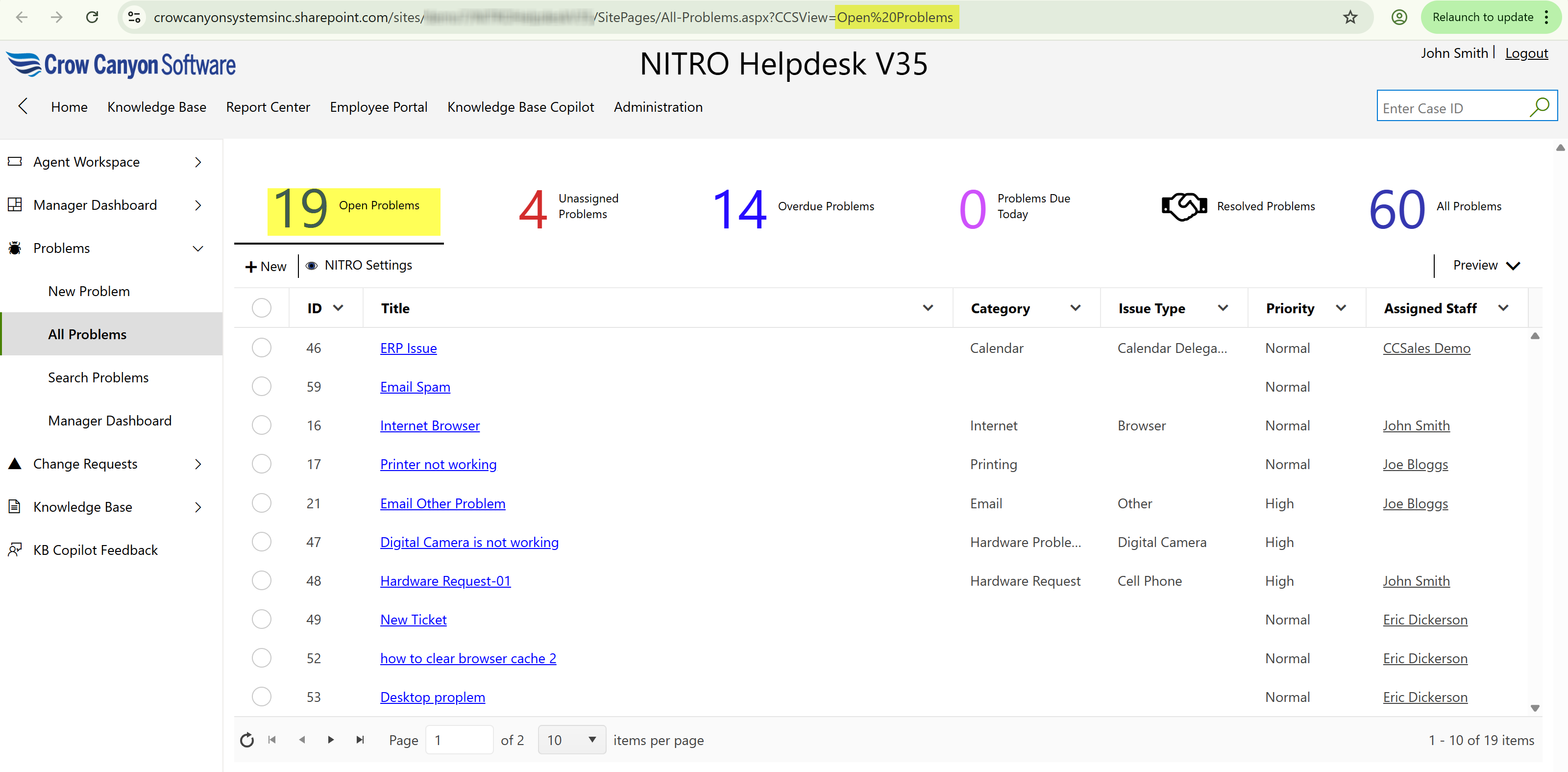
User can open a Problem by clicking on it.
Manager can perform ‘Link Tickets to Problem’ action on ‘Problem’ by opening the problem.
•Link Tickets to Problem: Managers can associate open tickets with already identified problems. This helps in grouping similar tickets under a common issue for better tracking and resolution.
Custom Actions available for the Manager to perform on a Problem are shown below:
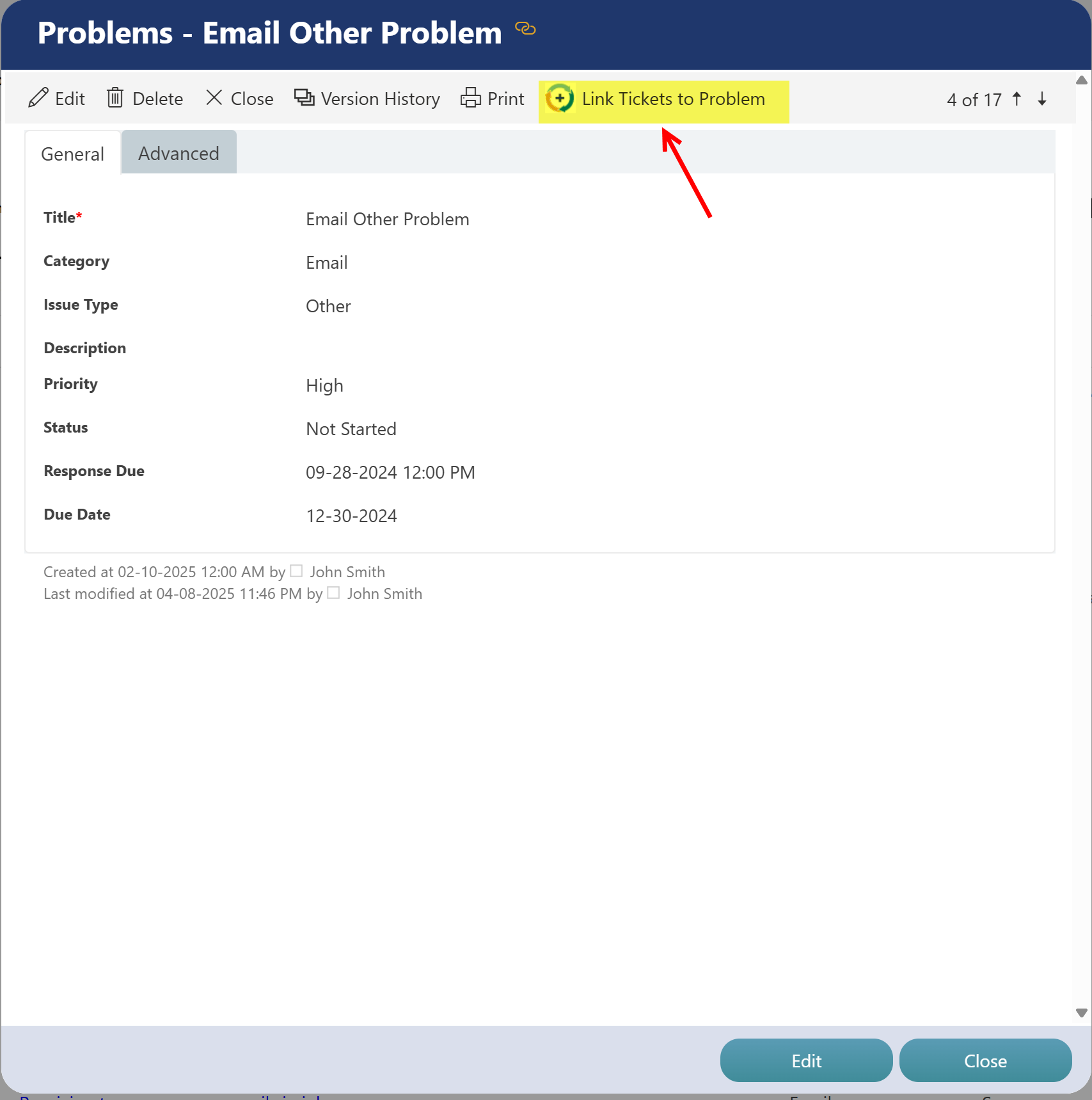
•Link Tickets to Problem:
-This custom action is configured on ‘Problems’ list and will be invoked on the Problem with which Tickets needs to be linked.
-Custom Action is only visible in the Display form of the Problem. It won’t show up in the Edit form of the Problem
-When action is invoked, it will prompt the user to select the ‘Open Tickets’.
-Select single or multiple Tickets to link with Problem.
-Selected Tickets will be linked to Problem on which custom action is invoked.